I watched this video on YouTube A Cheap Programmable Macro Pad Keyboard from Aliexpress by Atomic Shrimp and it inspired me to create my own version of the keyboard based on the one in the video.
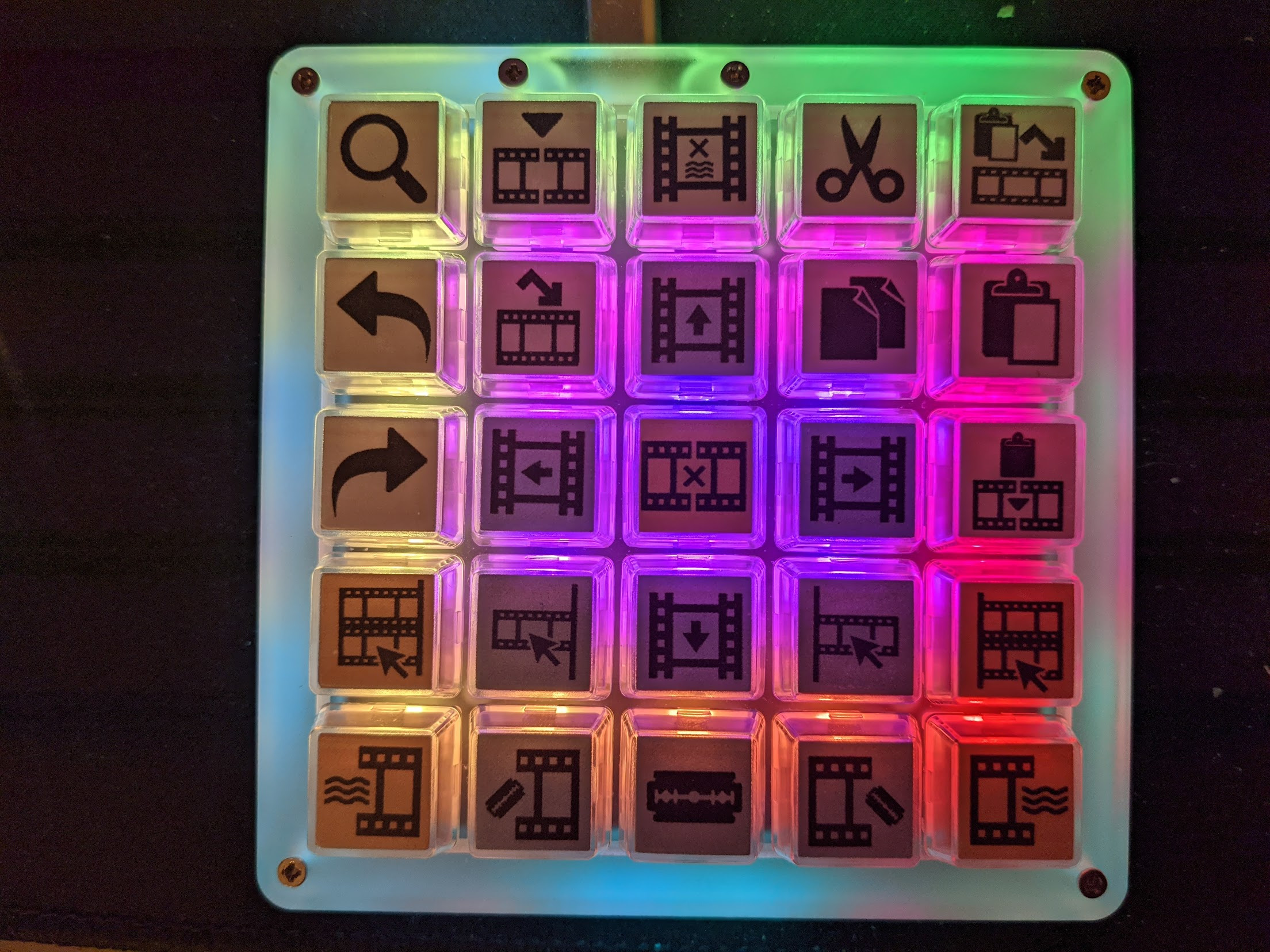

I watched this video on YouTube A Cheap Programmable Macro Pad Keyboard from Aliexpress by Atomic Shrimp and it inspired me to create my own version of the keyboard based on the one in the video.
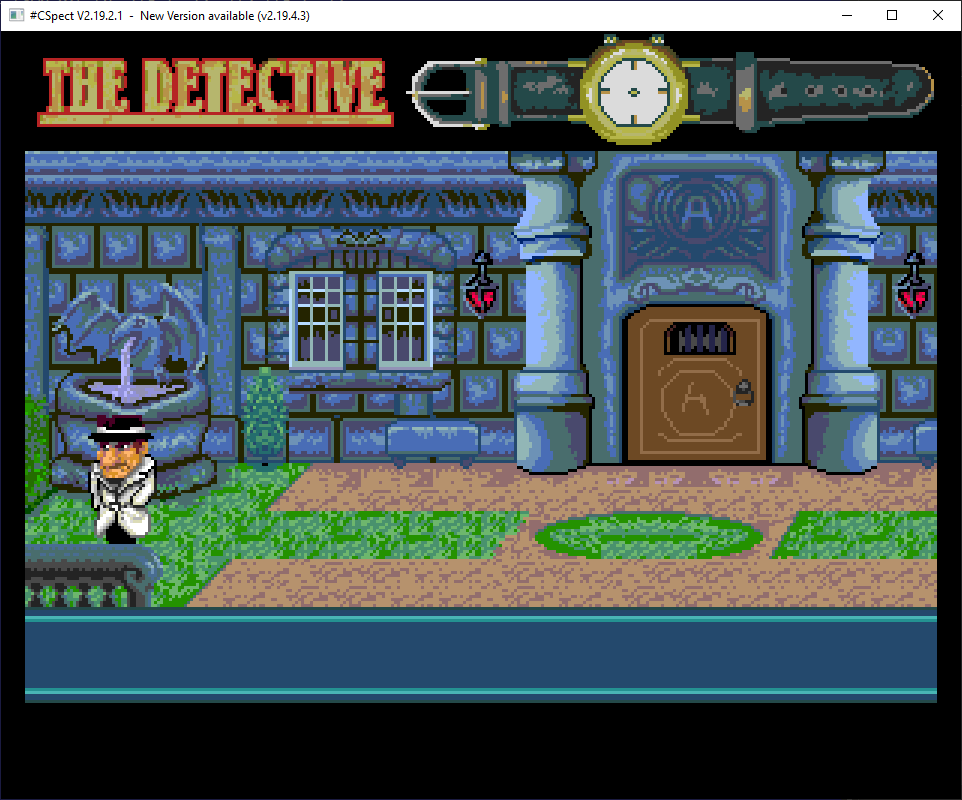
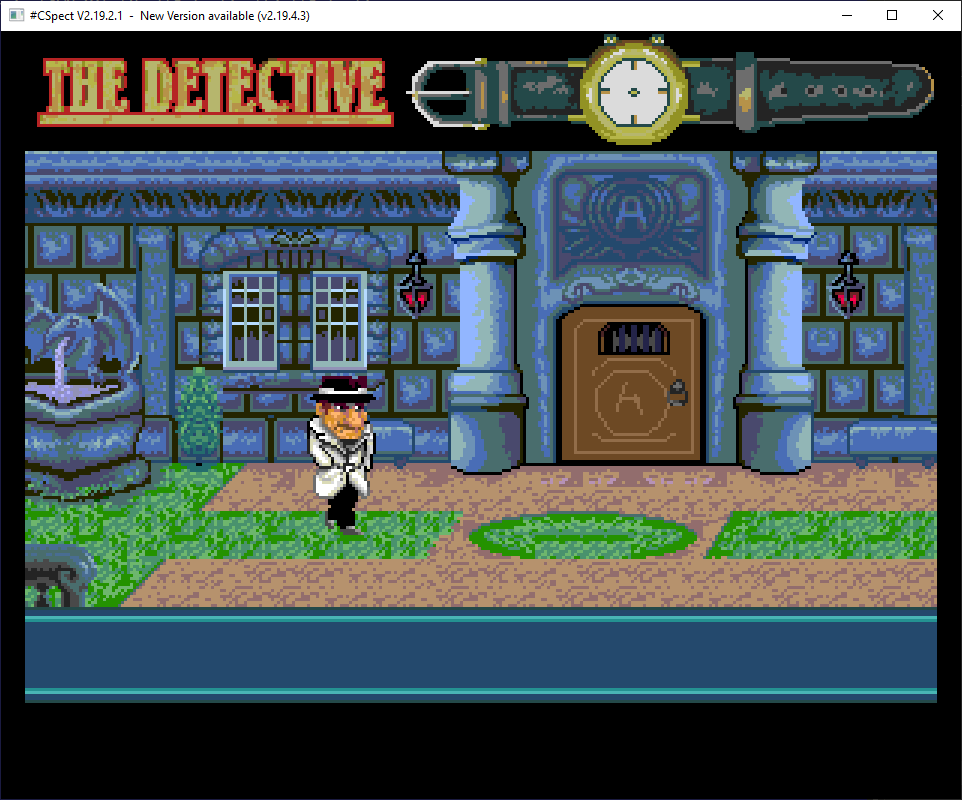
I currently have dual VT music, sfx, layer2 scrolling (with rotated tile support), relative sprite rendering, and tilemode overlay for the foreground.
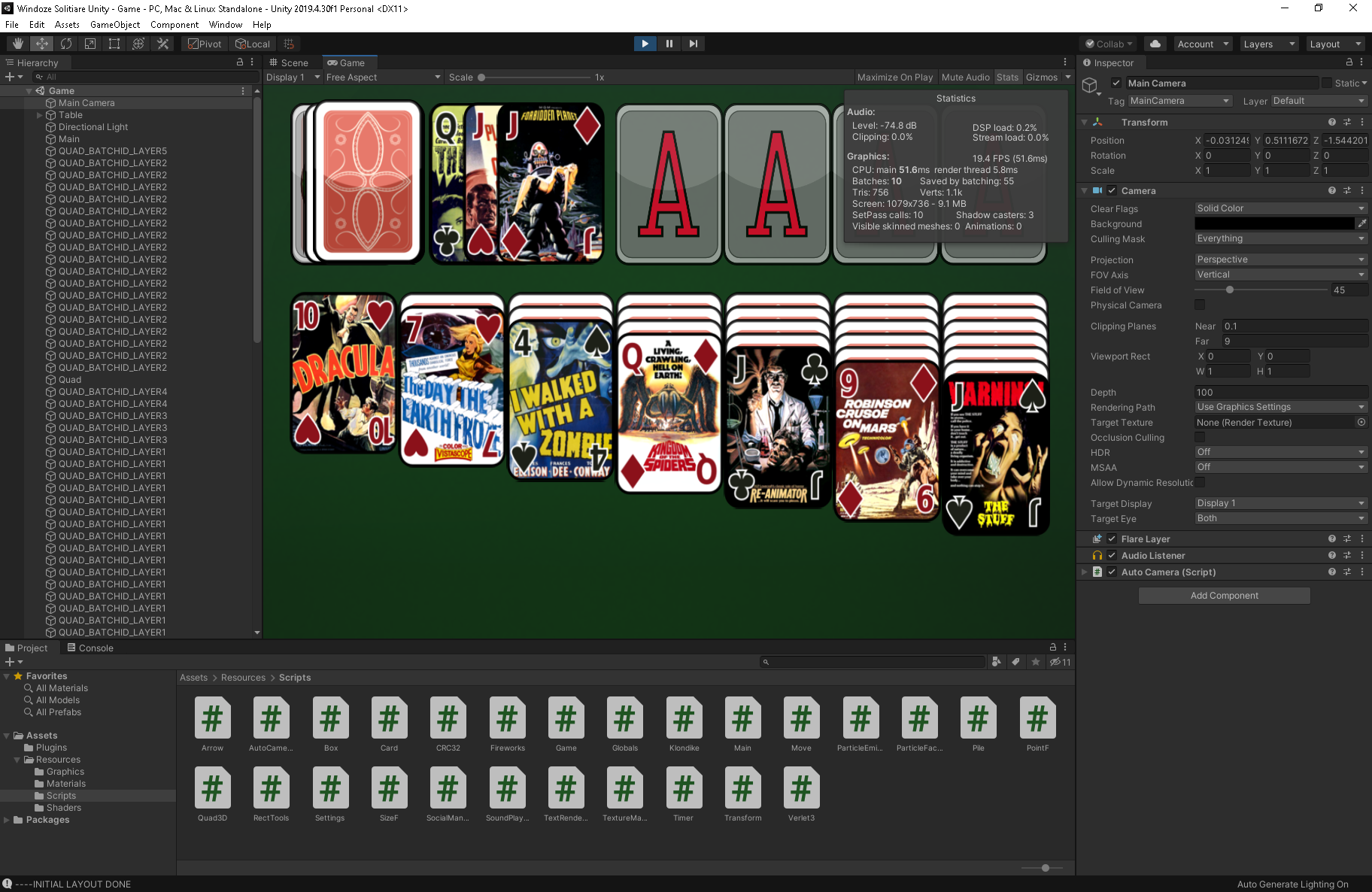
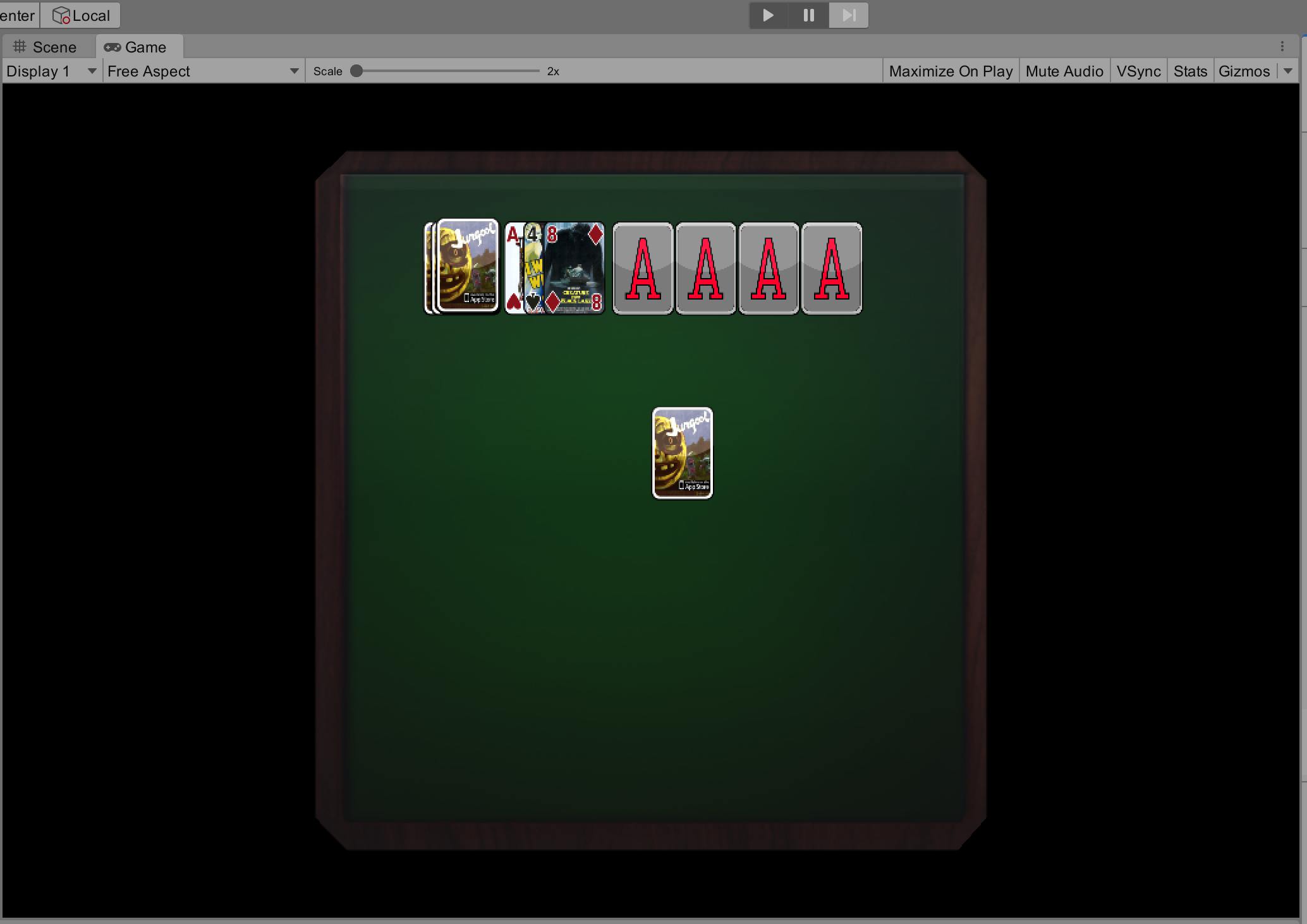
I've been working on the Windoze Solitaire Unity port and it's coming along quite nicely.
One of the bigger issues is moving from OpenGL's right-handed co-ordinate system to Unity's left-handed co-ordinate system.

While I haven’t been able to hack back the AMD CBS menu into the BIOS I have discovered some potential solutions. I’ll share my findings in this post so you can give it a try.
There are two modules in the BIOS containing the AMD CBS menu. They’re both called AmdSetup and are located in CbsSetupDxeRV and CbsSetupDxeRN. The only one that contains ACS Enable is CbsSetupDxeRV and it does not appear to be included with the BIOS when it’s flashed.
The only options we have access to are located in the NBIO Common Options sub menu in CbsSetupDxeRN. Please note these offsets only apply to X3MSTX_1.70.
IOMMU                Name=AmdSetup VarOffset=0xC9   Disabled=0x0, Enabled=0x1, Auto=0xF (default)
PCIe ARI Support     Name=AmdSetup VarOffset=0x14D  Disabled=0x0, Enabled=0x1, Auto=0xF (default)
PCIe ARI Enumeration Name=AmdSetup VarOffset=0x1A7  Disabled=0x0, Enabled=0x1, Auto=0xF (default)
We can edit the UEFI variables using a tool called RU.efi:
$ sudo grub-install --boot-directory=/media/username/GRUB --efi-directory=/media/username/GRUB --removable --target=x86_64-efi b. Windows (Where G: is your USB drive):
> grub-install.exe --boot-directory=G:\ --efi-directory=G: --removable --target=x86_64-efi grub> ls -l
grub> ls -l (hd0)/
grub> chainloader (hd0)/RuSmiPi.efi
grub> chainloader (hd0)/RU.efi
grub> bootAlt-= to show a list of EFI modules
Press <enter> to edit EFI variable offsets
Ctrl-PgUp to go up a page of variables
Ctrl-PgDn to go down a page of variables
F12 for screenshot
Ctrl-W to write changes
Alt-Q Quit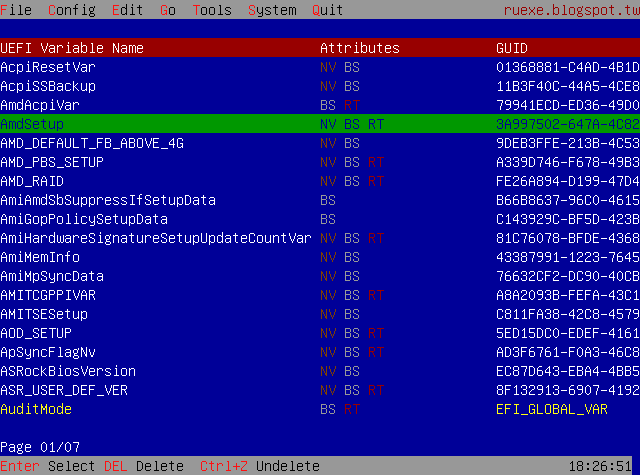
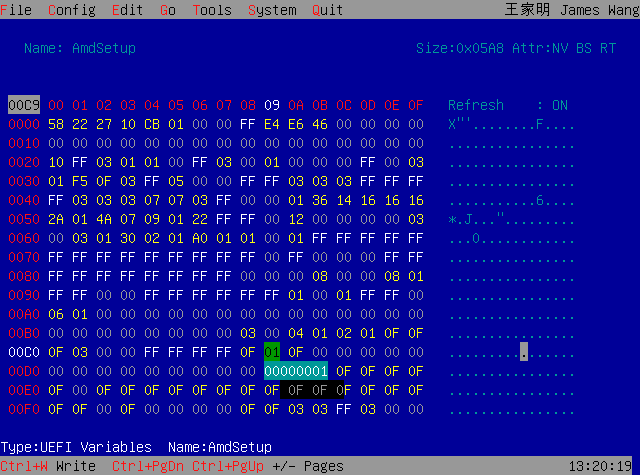
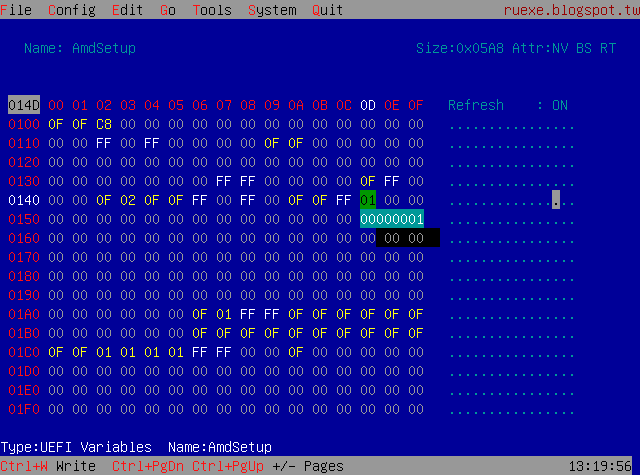
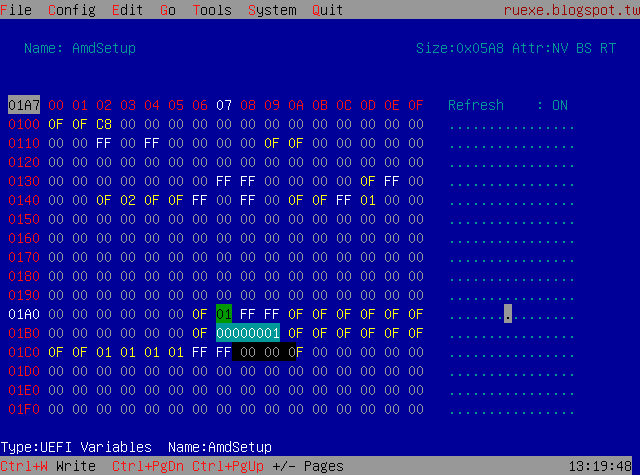
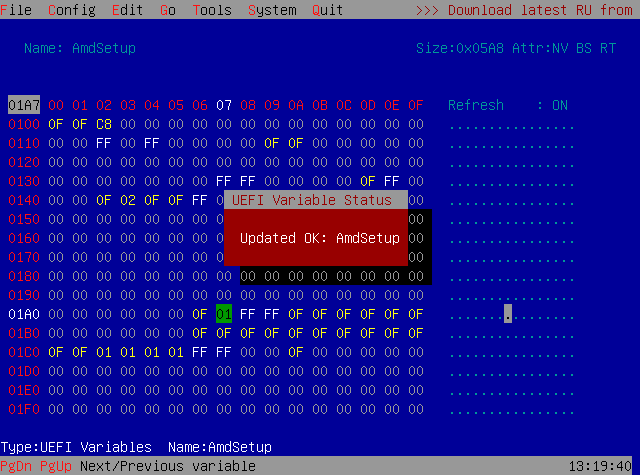
Unfortunately after these changes I see no changes in the IOMMU grouping. I don’t know if this is a limitation of the X300, my 4750G or the fact we don’t have access to the “ACS Enable” option. I’m getting a 5700G tomorrow and will be installing it to see if the extra PCIe lanes changes anything.
IOMMU Group 0:
    00:01.0 Host bridge [0600]: Advanced Micro Devices, Inc. [AMD] Renoir PCIe Dummy Host Bridge [1022:1632]
    00:01.1 PCI bridge [0604]: Advanced Micro Devices, Inc. [AMD] Renoir PCIe GPP Bridge [1022:1633]
    01:00.0 Non-Volatile memory controller [0108]: Samsung Electronics Co Ltd NVMe SSD Controller SM981/PM981/PM983 [144d:a808]
IOMMU Group 1:
    00:02.0 Host bridge [0600]: Advanced Micro Devices, Inc. [AMD] Renoir PCIe Dummy Host Bridge [1022:1632]
    00:02.1 PCI bridge [0604]: Advanced Micro Devices, Inc. [AMD] Renoir PCIe GPP Bridge [1022:1634]
    00:02.3 PCI bridge [0604]: Advanced Micro Devices, Inc. [AMD] Renoir PCIe GPP Bridge [1022:1634]
    00:02.4 PCI bridge [0604]: Advanced Micro Devices, Inc. [AMD] Renoir PCIe GPP Bridge [1022:1634]
    02:00.0 Non-Volatile memory controller [0108]: Samsung Electronics Co Ltd NVMe SSD Controller SM981/PM981/PM983 [144d:a808]
    03:00.0 Ethernet controller [0200]: Realtek Semiconductor Co., Ltd. RTL8111/8168/8411 PCI Express Gigabit Ethernet Controller [10ec:8168] (rev 15)
    04:00.0 Network controller [0280]: Intel Corporation Wi-Fi 6 AX200 [8086:2723] (rev 1a)
IOMMU Group 2:
    00:08.0 Host bridge [0600]: Advanced Micro Devices, Inc. [AMD] Renoir PCIe Dummy Host Bridge [1022:1632]
    00:08.1 PCI bridge [0604]: Advanced Micro Devices, Inc. [AMD] Renoir Internal PCIe GPP Bridge to Bus [1022:1635]
    00:08.2 PCI bridge [0604]: Advanced Micro Devices, Inc. [AMD] Renoir Internal PCIe GPP Bridge to Bus [1022:1635]
    05:00.0 VGA compatible controller [0300]: Advanced Micro Devices, Inc. [AMD/ATI] Renoir [1002:1636] (rev d8)
    05:00.1 Audio device [0403]: Advanced Micro Devices, Inc. [AMD/ATI] Device [1002:1637]
    05:00.2 Encryption controller [1080]: Advanced Micro Devices, Inc. [AMD] Family 17h (Models 10h-1fh) Platform Security Processor [1022:15df]
    05:00.3 USB controller [0c03]: Advanced Micro Devices, Inc. [AMD] Renoir USB 3.1 [1022:1639]
    05:00.4 USB controller [0c03]: Advanced Micro Devices, Inc. [AMD] Renoir USB 3.1 [1022:1639]
    05:00.6 Audio device [0403]: Advanced Micro Devices, Inc. [AMD] Family 17h (Models 10h-1fh) HD Audio Controller [1022:15e3]
    06:00.0 SATA controller [0106]: Advanced Micro Devices, Inc. [AMD] FCH SATA Controller [AHCI mode] [1022:7901] (rev 81)
IOMMU Group 3:
    00:14.0 SMBus [0c05]: Advanced Micro Devices, Inc. [AMD] FCH SMBus Controller [1022:790b] (rev 51)
    00:14.3 ISA bridge [0601]: Advanced Micro Devices, Inc. [AMD] FCH LPC Bridge [1022:790e] (rev 51)
IOMMU Group 4:
    00:18.0 Host bridge [0600]: Advanced Micro Devices, Inc. [AMD] Renoir Device 24: Function 0 [1022:1448]
    00:18.1 Host bridge [0600]: Advanced Micro Devices, Inc. [AMD] Renoir Device 24: Function 1 [1022:1449]
    00:18.2 Host bridge [0600]: Advanced Micro Devices, Inc. [AMD] Renoir Device 24: Function 2 [1022:144a]
    00:18.3 Host bridge [0600]: Advanced Micro Devices, Inc. [AMD] Renoir Device 24: Function 3 [1022:144b]
    00:18.4 Host bridge [0600]: Advanced Micro Devices, Inc. [AMD] Renoir Device 24: Function 4 [1022:144c]
    00:18.5 Host bridge [0600]: Advanced Micro Devices, Inc. [AMD] Renoir Device 24: Function 5 [1022:144d]
    00:18.6 Host bridge [0600]: Advanced Micro Devices, Inc. [AMD] Renoir Device 24: Function 6 [1022:144e]
    00:18.7 Host bridge [0600]: Advanced Micro Devices, Inc. [AMD] Renoir Device 24: Function 7 [1022:144f]
X3MSTX_1.70_CbsSetupDxeRN IFR.txt (229 KB)
X3MSTX_1.70_CbsSetupDxeRV IFR.txt (224 KB)
X3MSTX_1.70_Setup IFR.txt (442 KB)
By golly Jim it works!
I received my YM2149 Synth from Catskull Electronics a few days ago! Thanks to David for the cool extras included 🙂
Having lots of fun with it! I've modified David's fork on Github to enable it to play back YM files over serial. It uses a C# app to parse the YM file and stream it over USB with the Teensy in Serial mode.
Cool thing is there are lots of cool songs in YM format that you can play. My musician friend SpaceFractal uses Vortex Tracker to make tunes and it can export to YM format for playback on the YM2149 Synth!
UPDATE: You can download YMPlayer from here
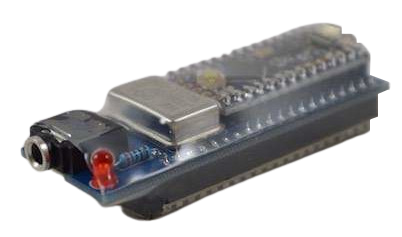
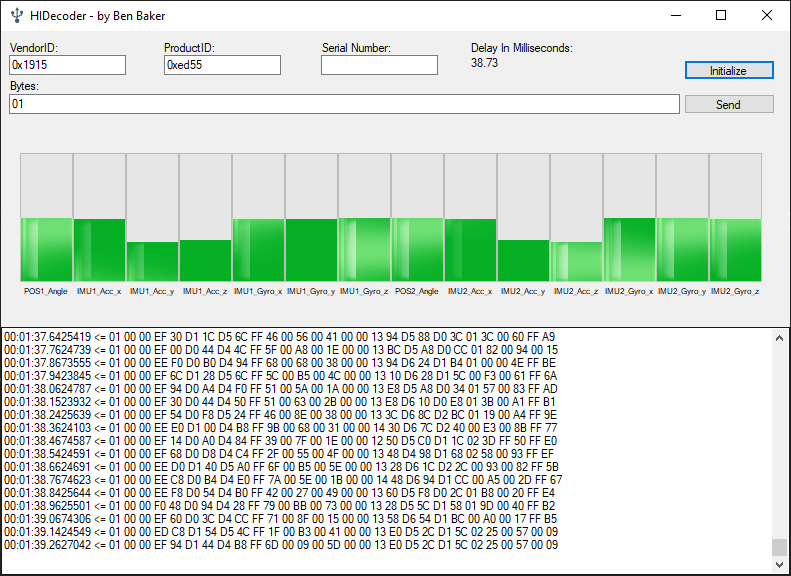
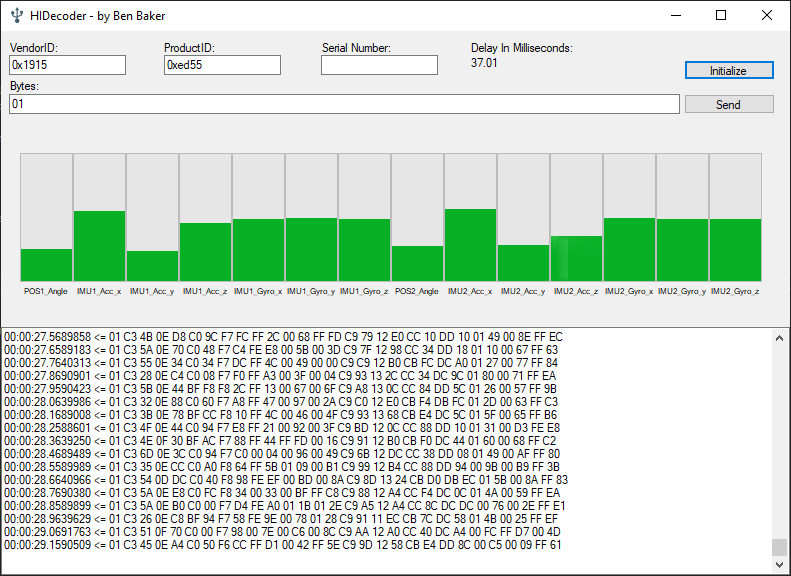
Here's a little app I wrote that captures HID data from the AgileVR / AgilePhysio device. The firmware combines two nRF52832 SoC Bluetooth LE data streams containing gyroscope, accelerometer and positional data into a single data stream using HID over GATT. The firmware will boot based on a DIP switch so it knows if it's a left or right device.
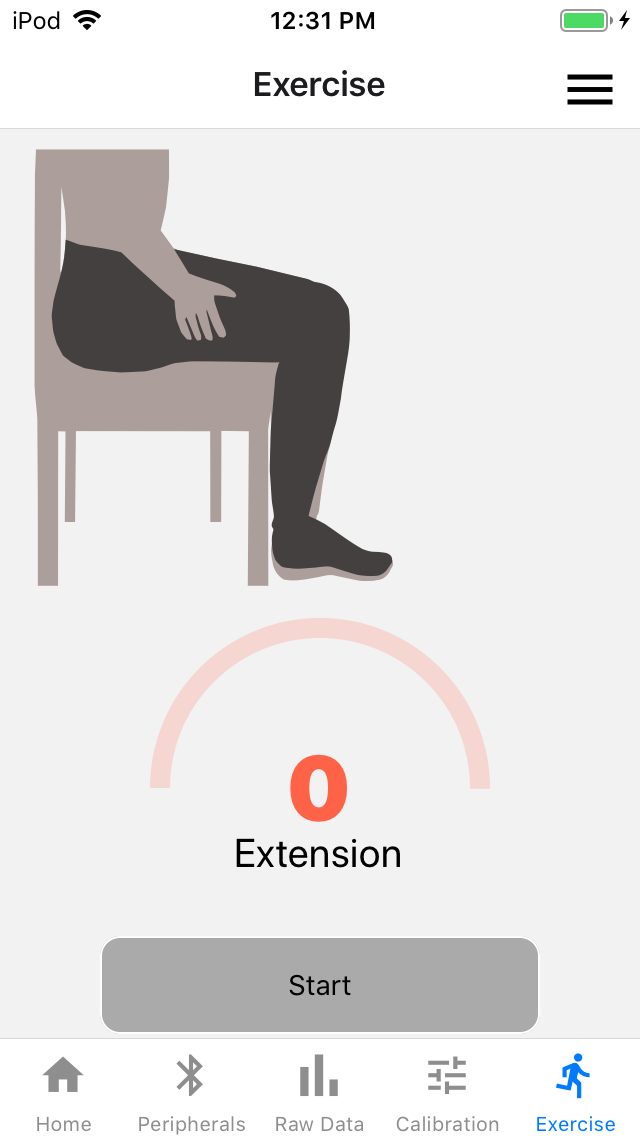
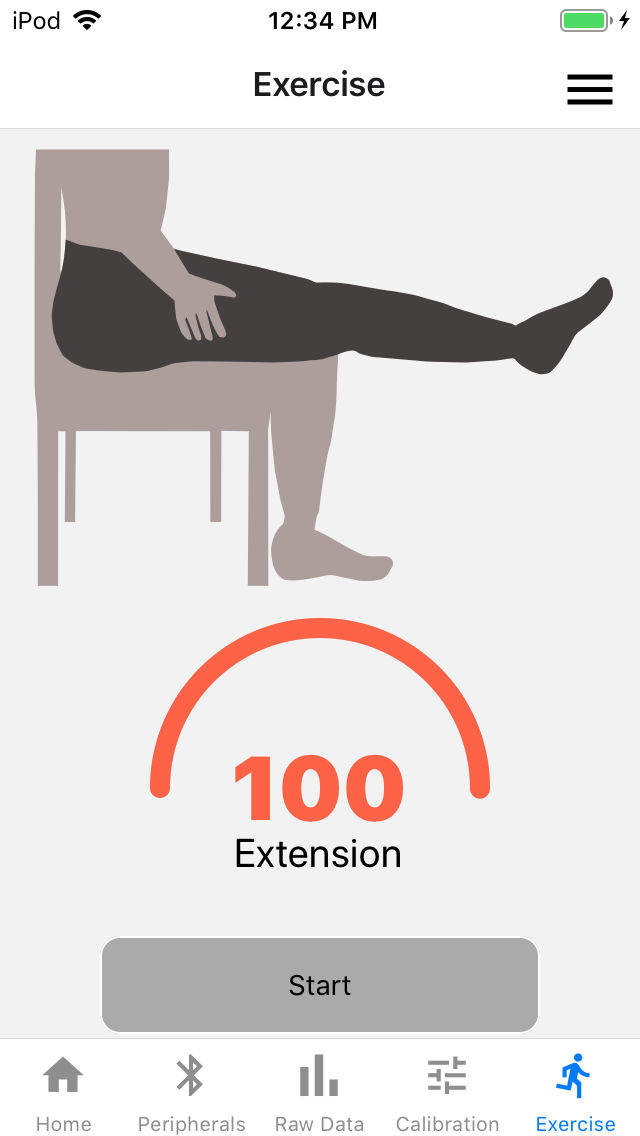
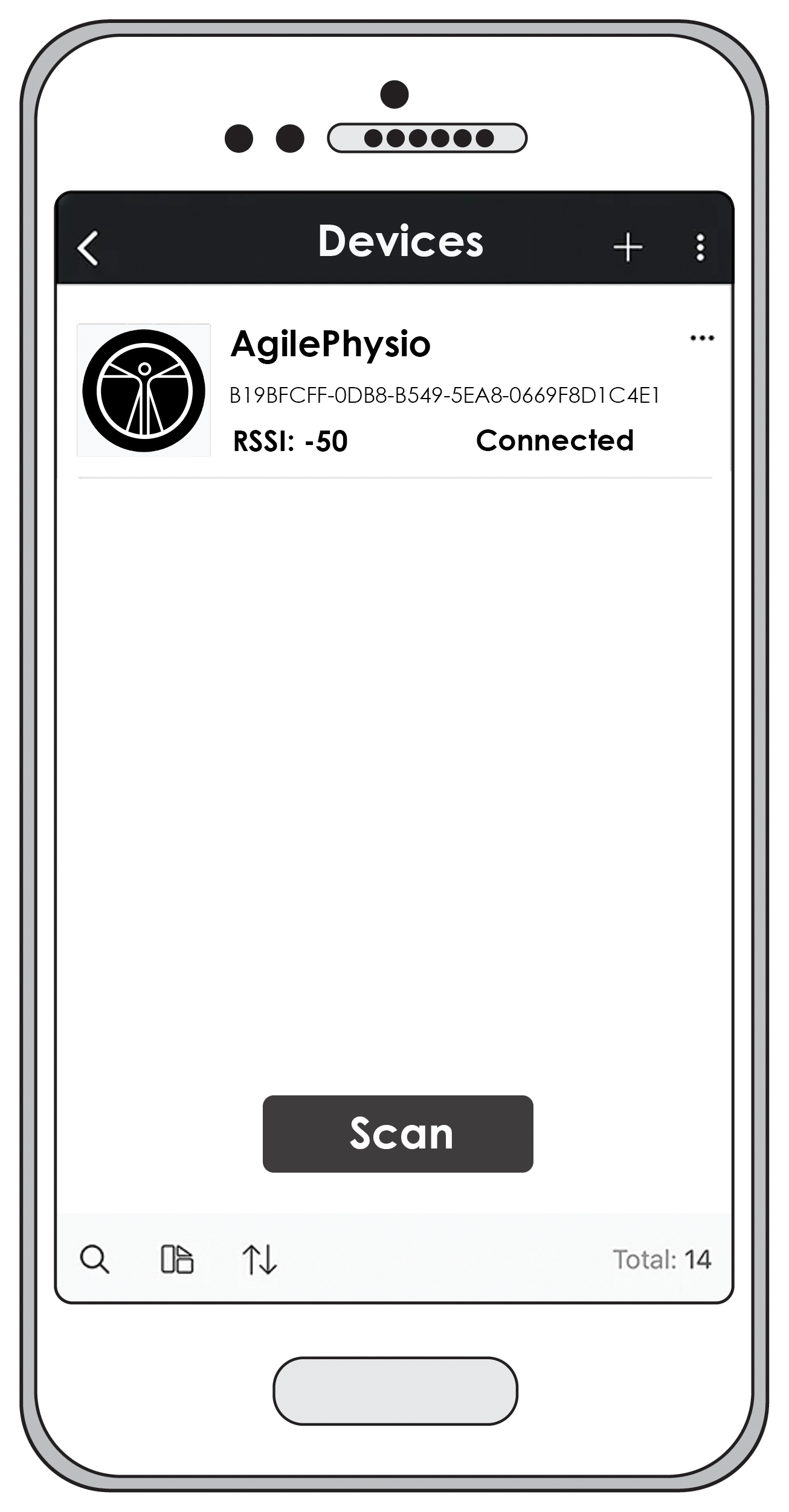
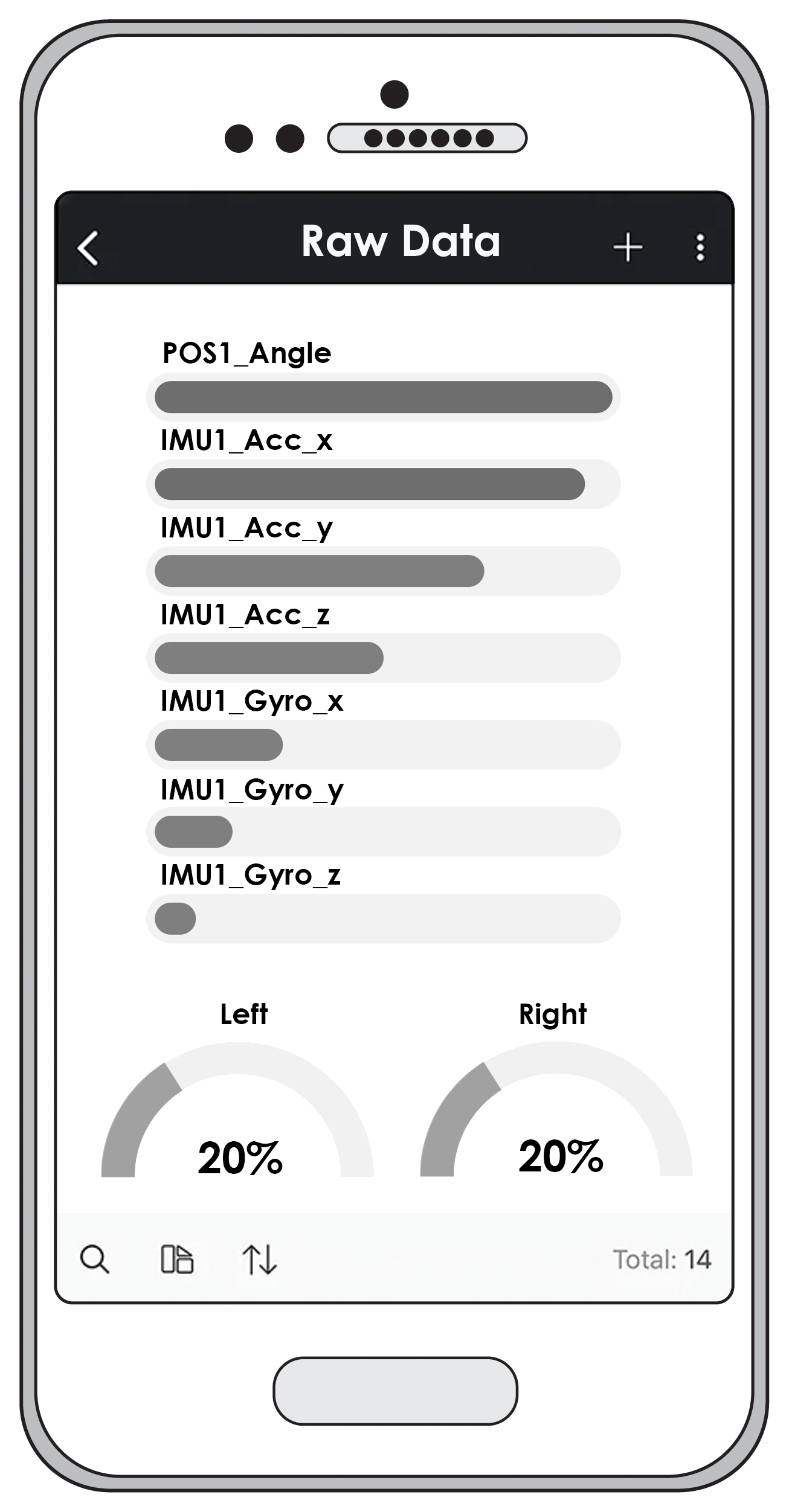
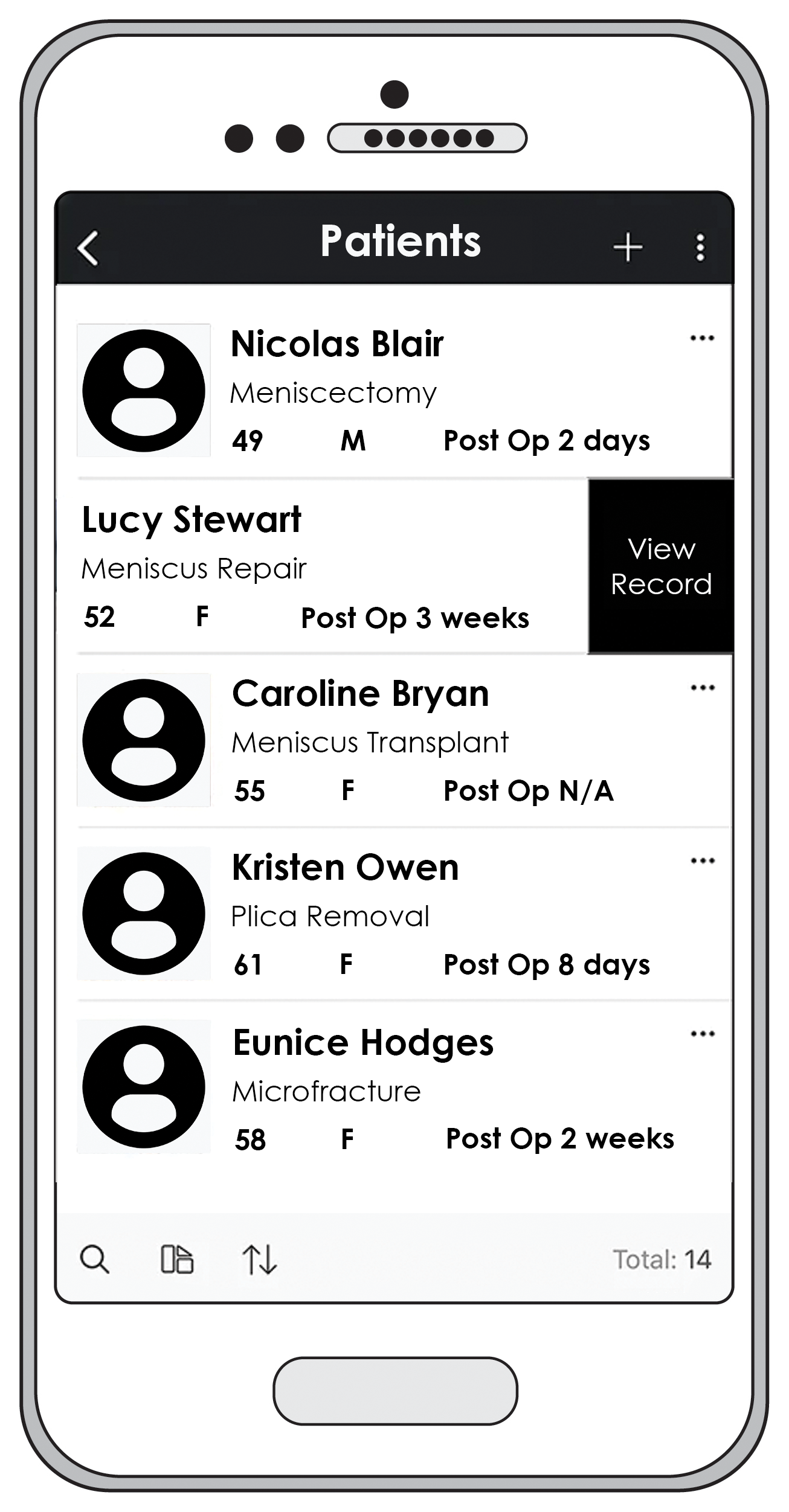
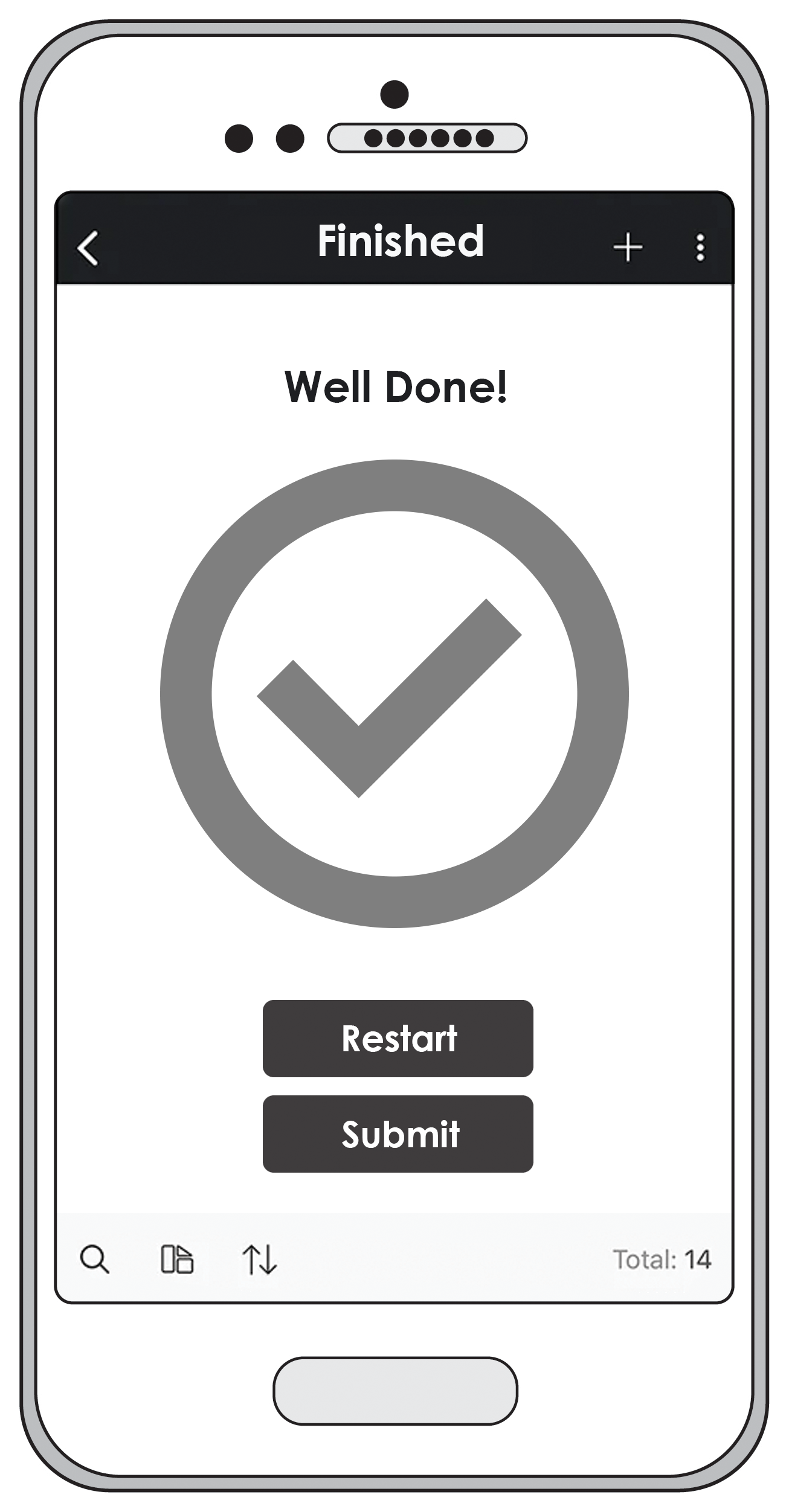
Here are some mockups of the AgilePhysio App


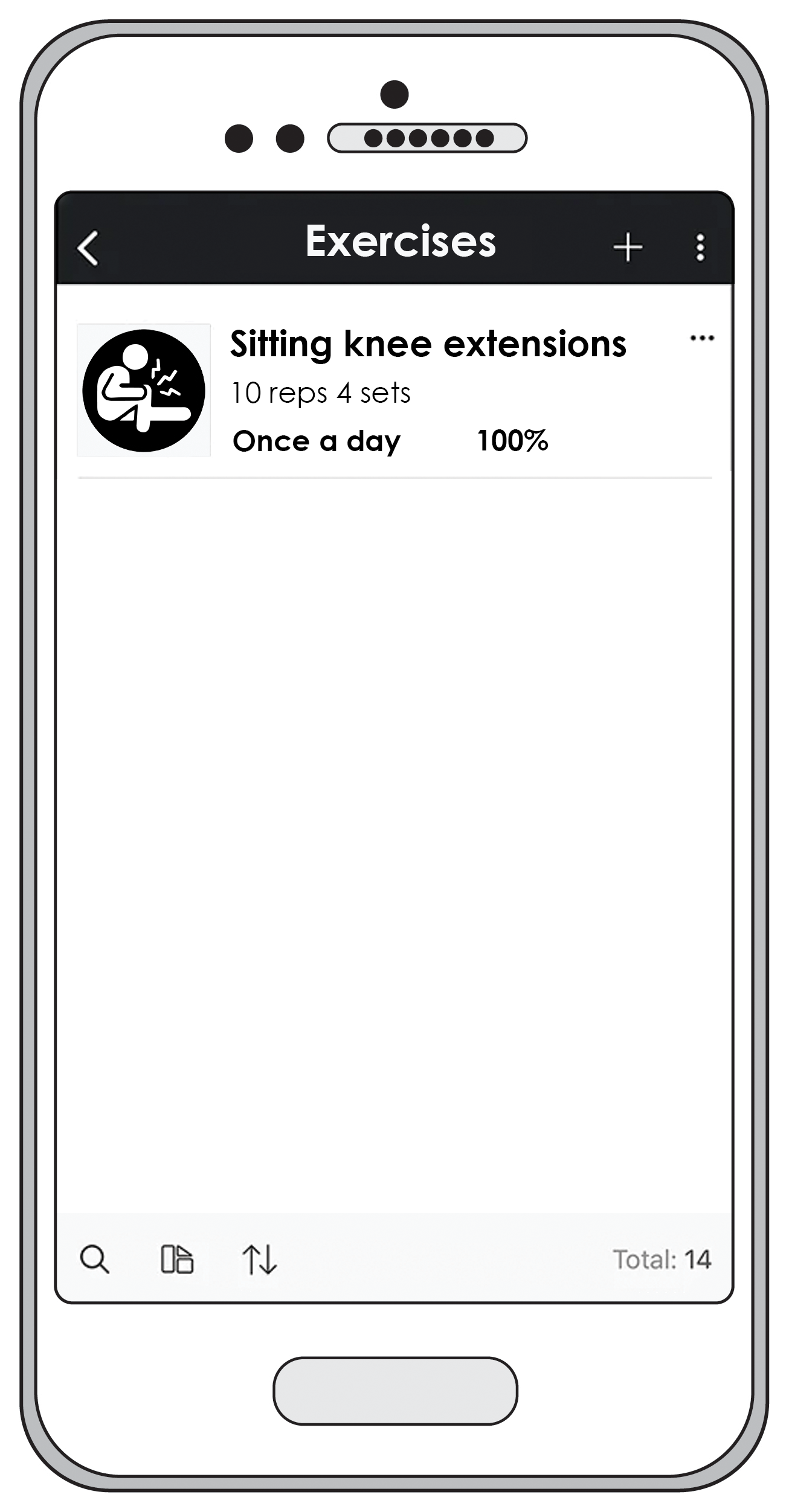
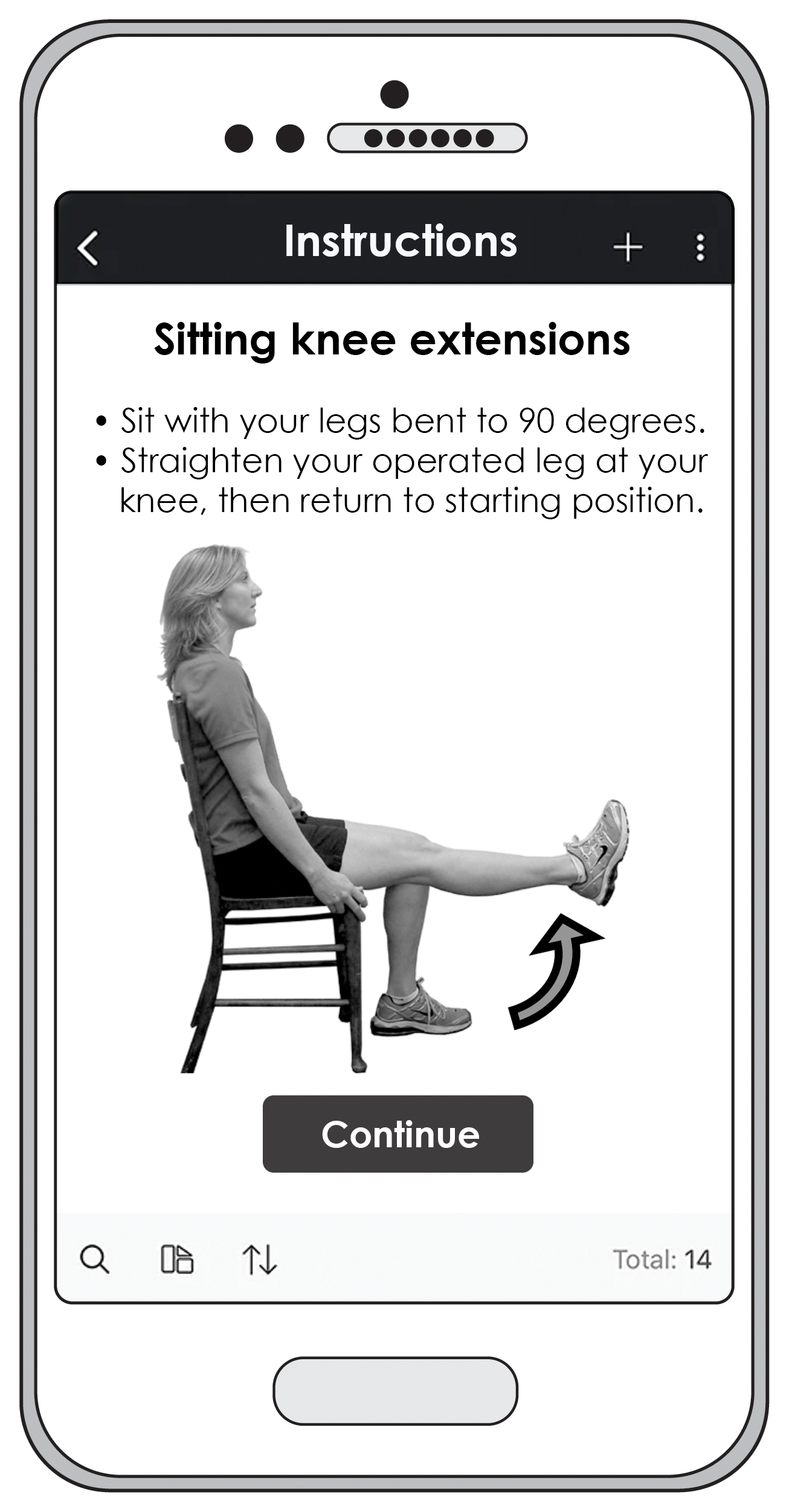
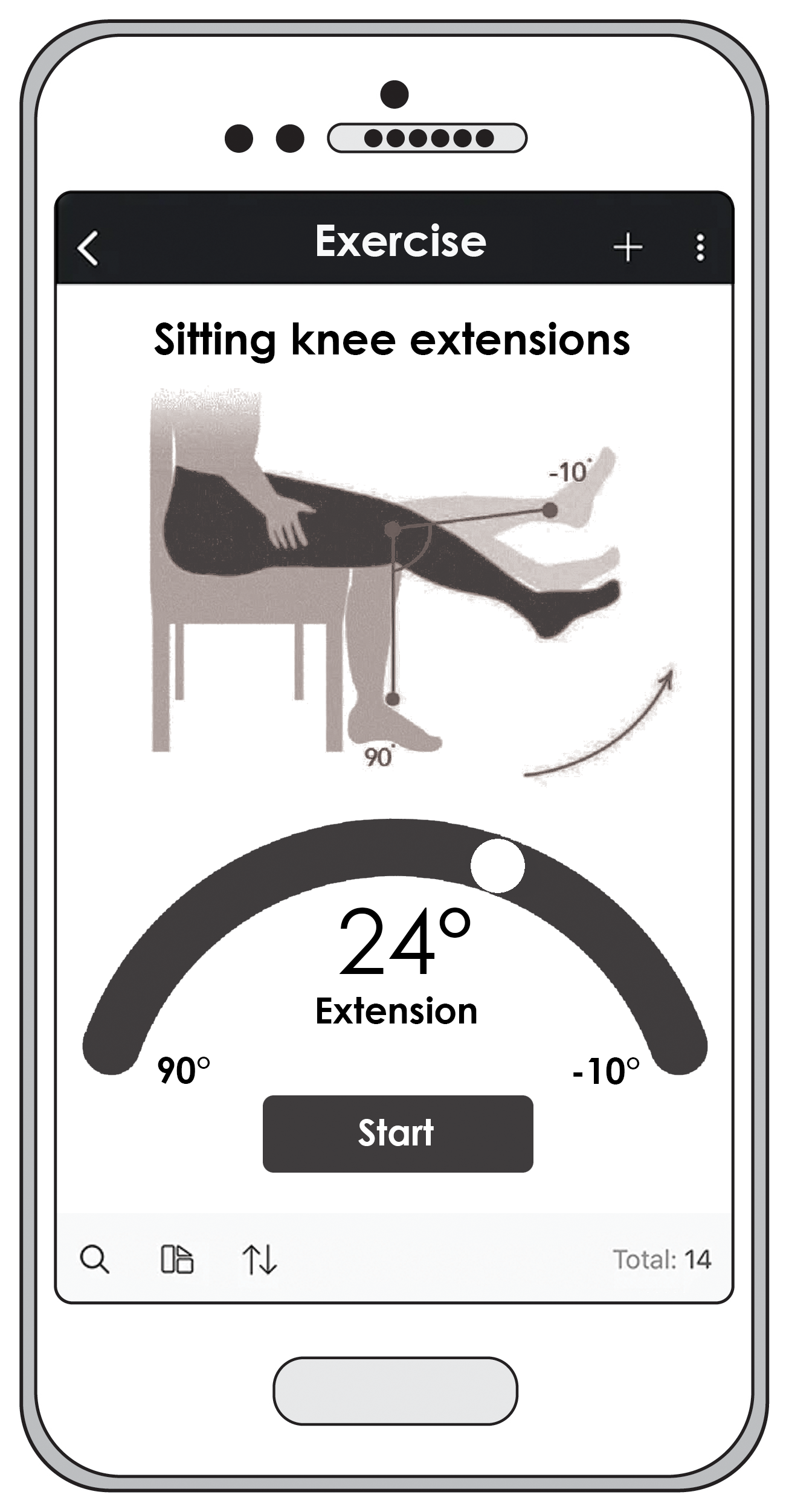
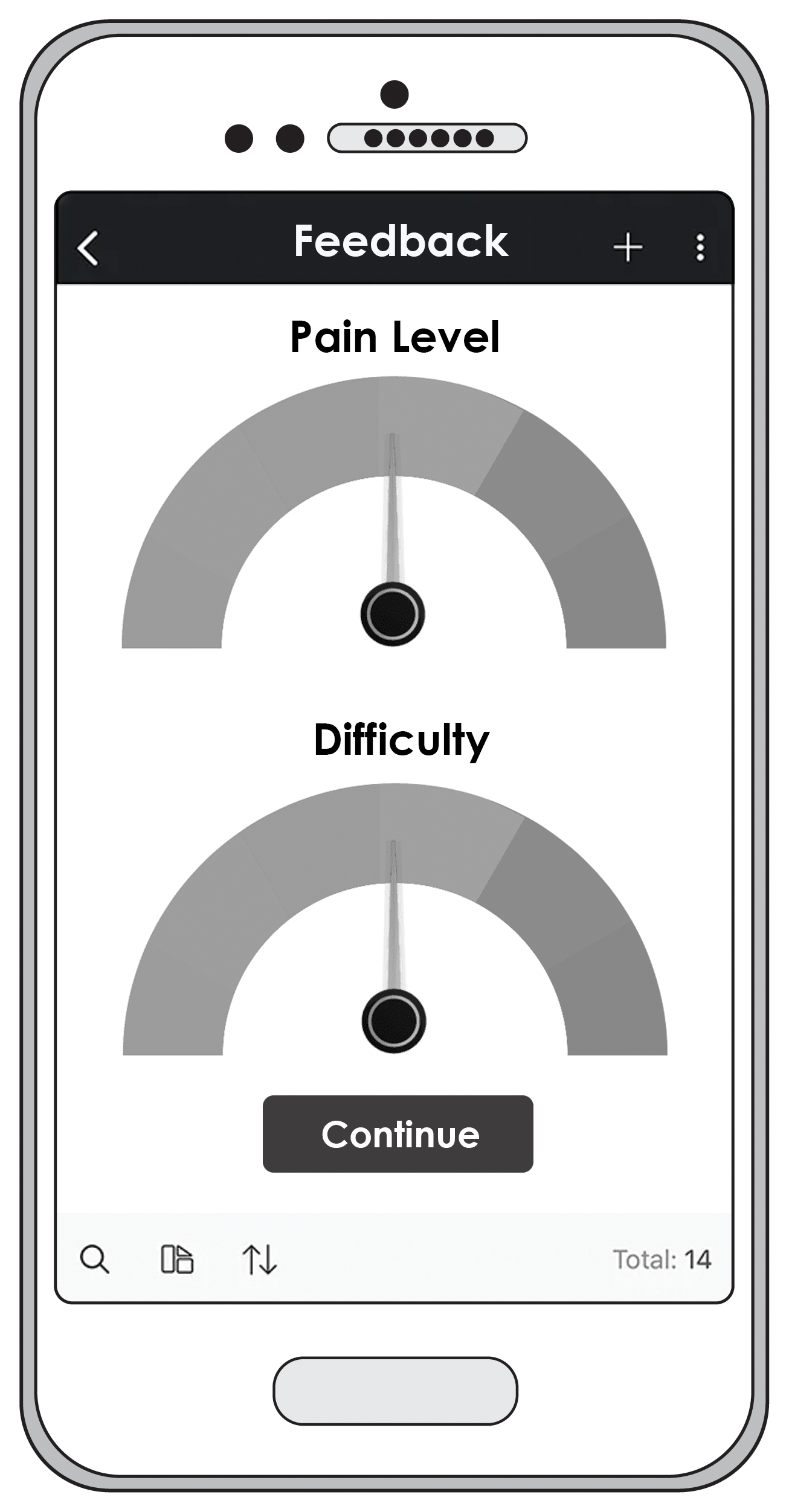
Here’s a compiled version of flashrom with Ryzen support (https://github.com/tolga9009/flashrom/tree/ryzen 125). It includes the libpci library so it supports the -p internal flag. It’s possible to compile libpci on Windows using MinGW 11 and DJGPP 5 so I’ve also attached the "libpci-libgetopt" folder with the pre-compiled libraries included so you can compile your own version easily.
Use this to compile it from MSYS:
make CC=i586-pc-msdosdjgpp-gcc STRIP=i586-pc-msdosdjgpp-strip LIBS_BASE=../libpci-libgetopt CONFIG_ENABLE_LIBUSB1_PROGRAMMERS=no I've also included a version of Rufus that will create an MS-DOS boot disk. NOTE: You may need to enable the Compatibility Support Module (CSM) in your BIOS to boot it.
To backup your BIOS:
flashrom -p internal -r BACKUP.ROM To write your own custom BIOS:
flashrom -p internal -w MOD.ROM flashrom.zip (279 KB)
libpci-libgetopt.zip (185 KB)
Rufus_3.8.1579_Win10_MSDOS-Mod.zip (1.91 MB)
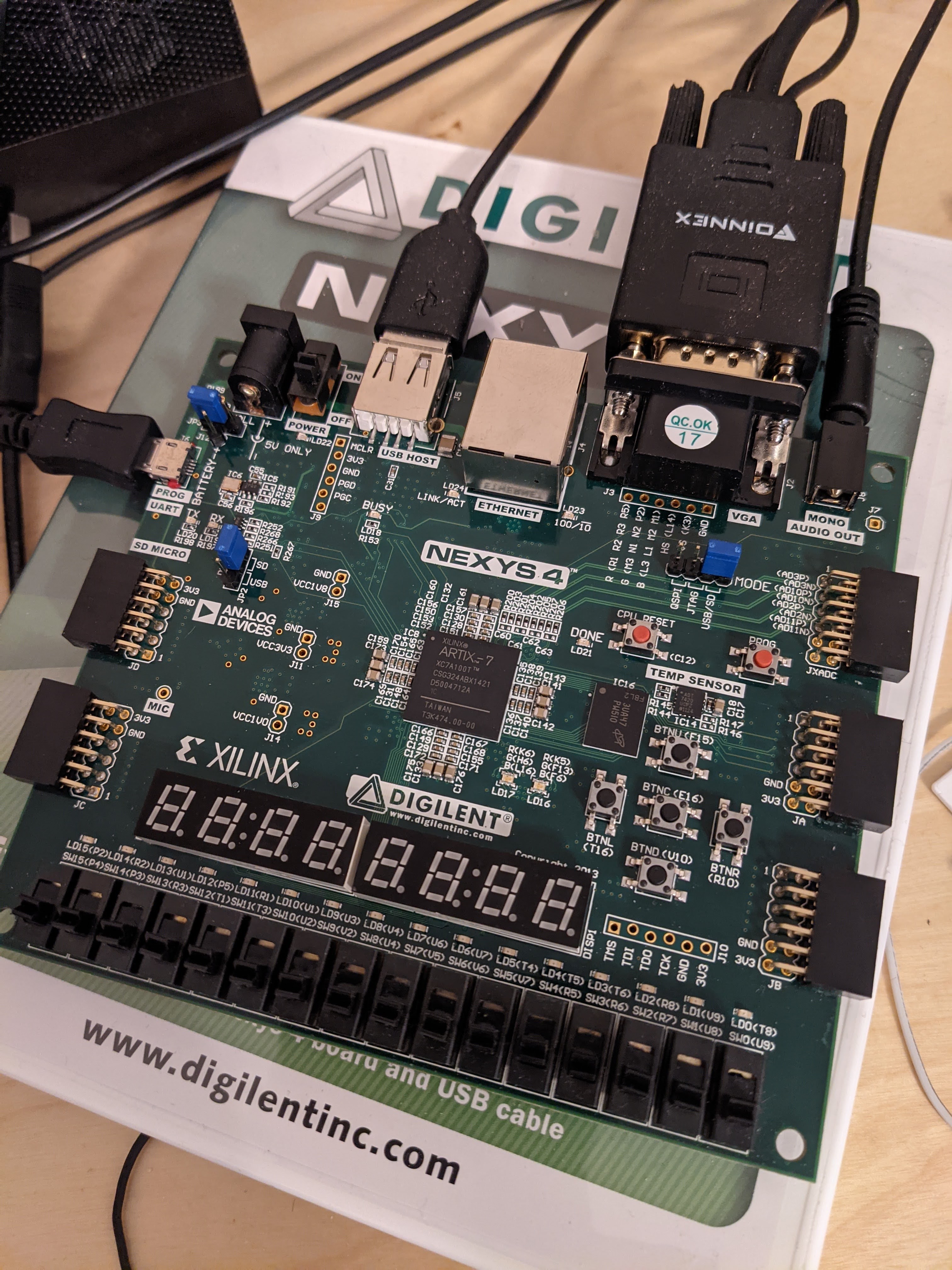
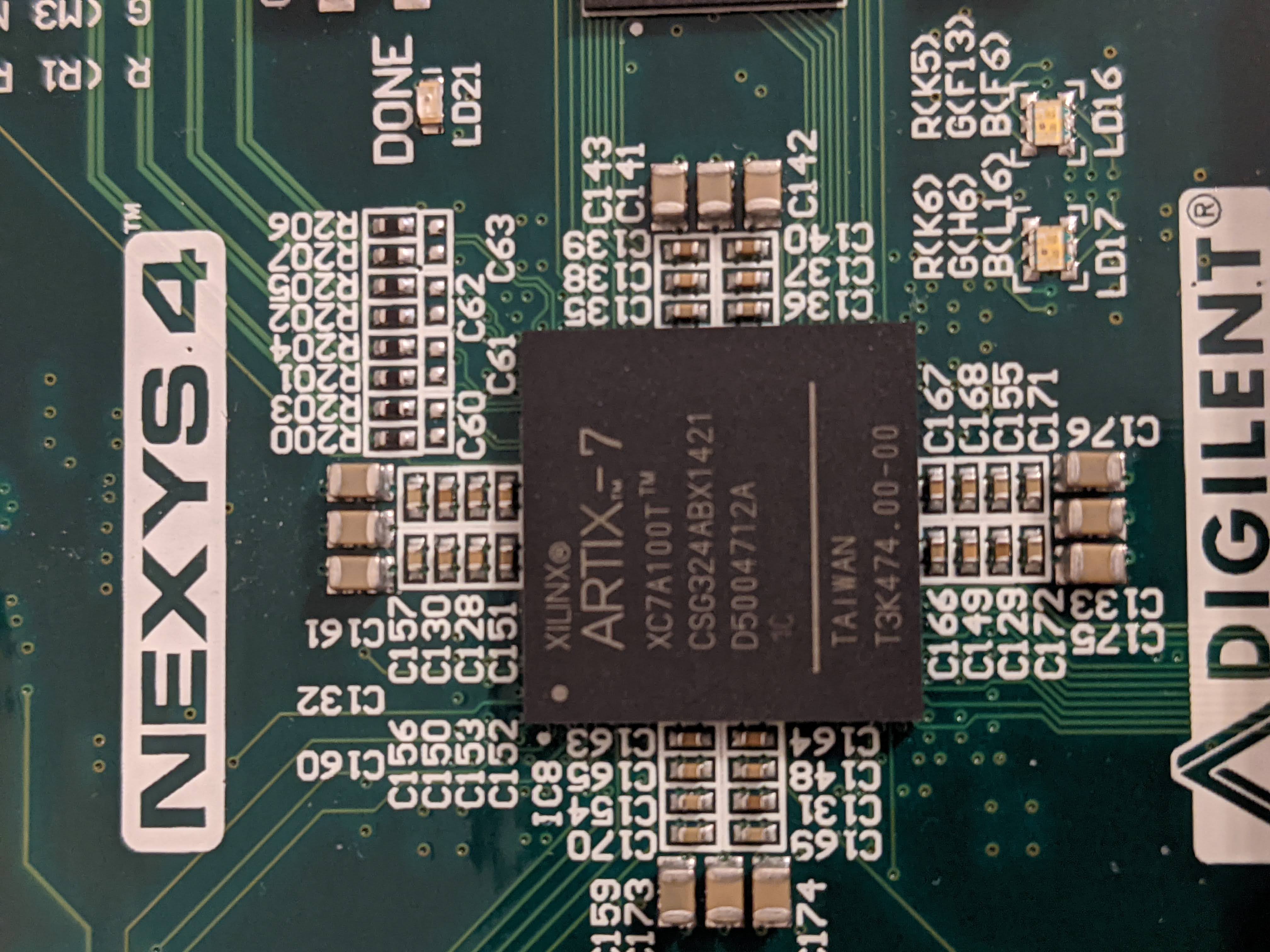
I recently bought a Nexys 4 Artix 7 (PSRAM not DDR version) and I'm trying to program the memory device so it boots directly into MEGA65.
I've compiled the latest nexys4.bit and nexys4.mcs files using Vivado 2019.2. Programming the memory device appears to be successful until I do a "Boot from configuration memory device" and then "Refresh Device". It shows a BIT05_0_CRC_ERROR. JP1 is set to QSPI.
So it looks like it's just the ConfigRate setting that needs changing. 33 MHz is too fast so the next lowest setting 26 MHz appears to work okay.
set_property BITSTREAM.CONFIG.CONFIGRATE 26 [current_design]
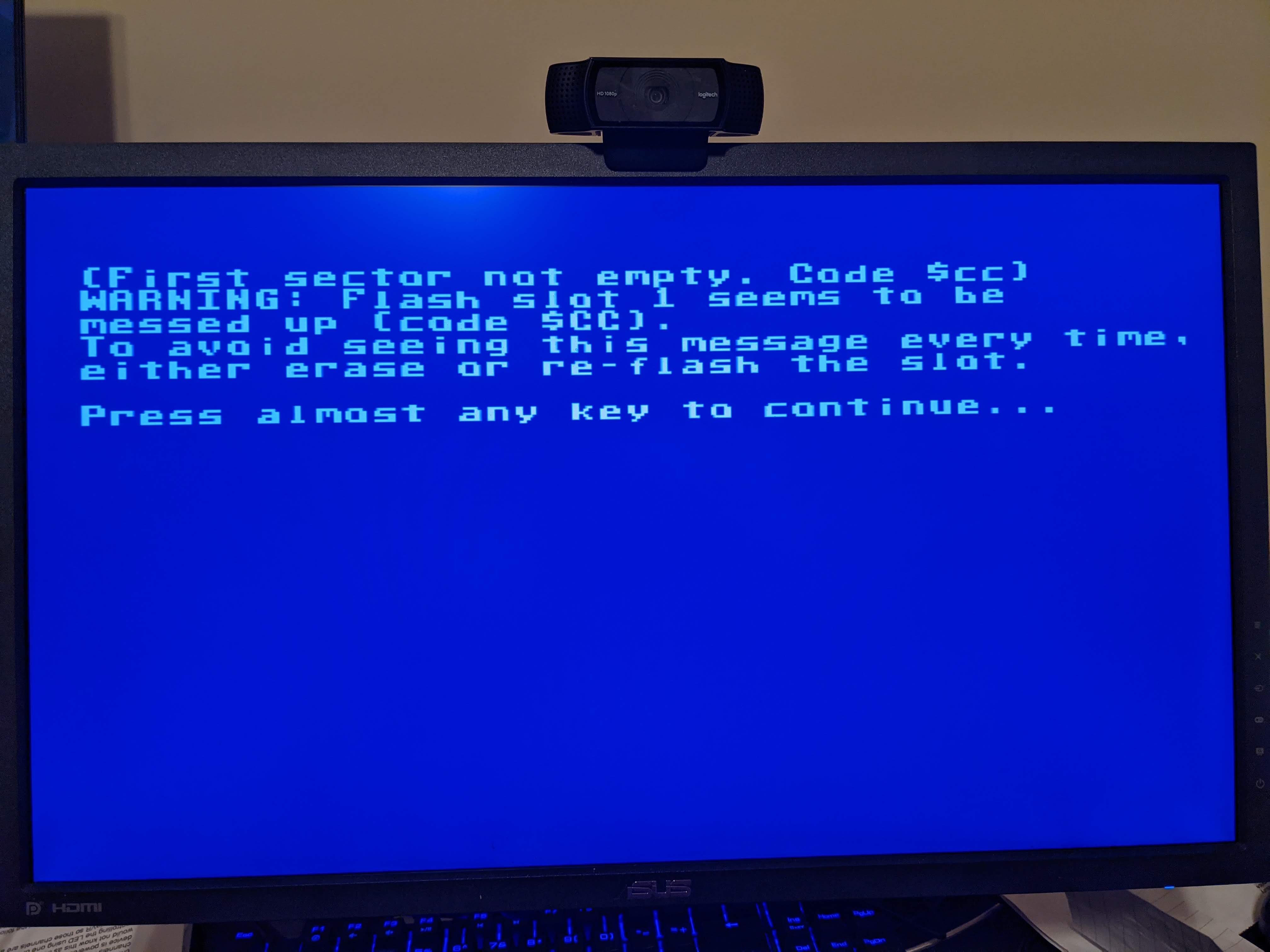
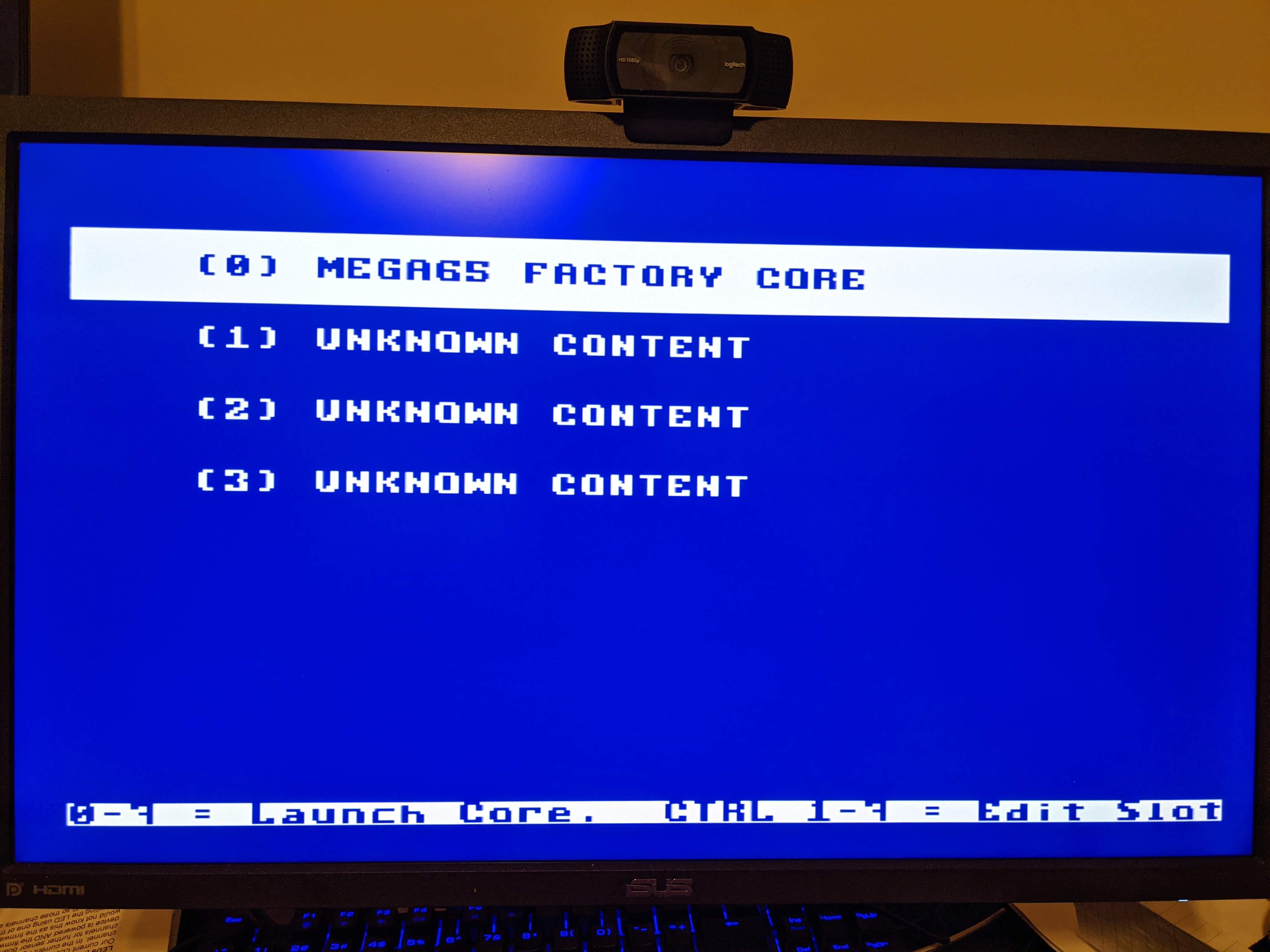
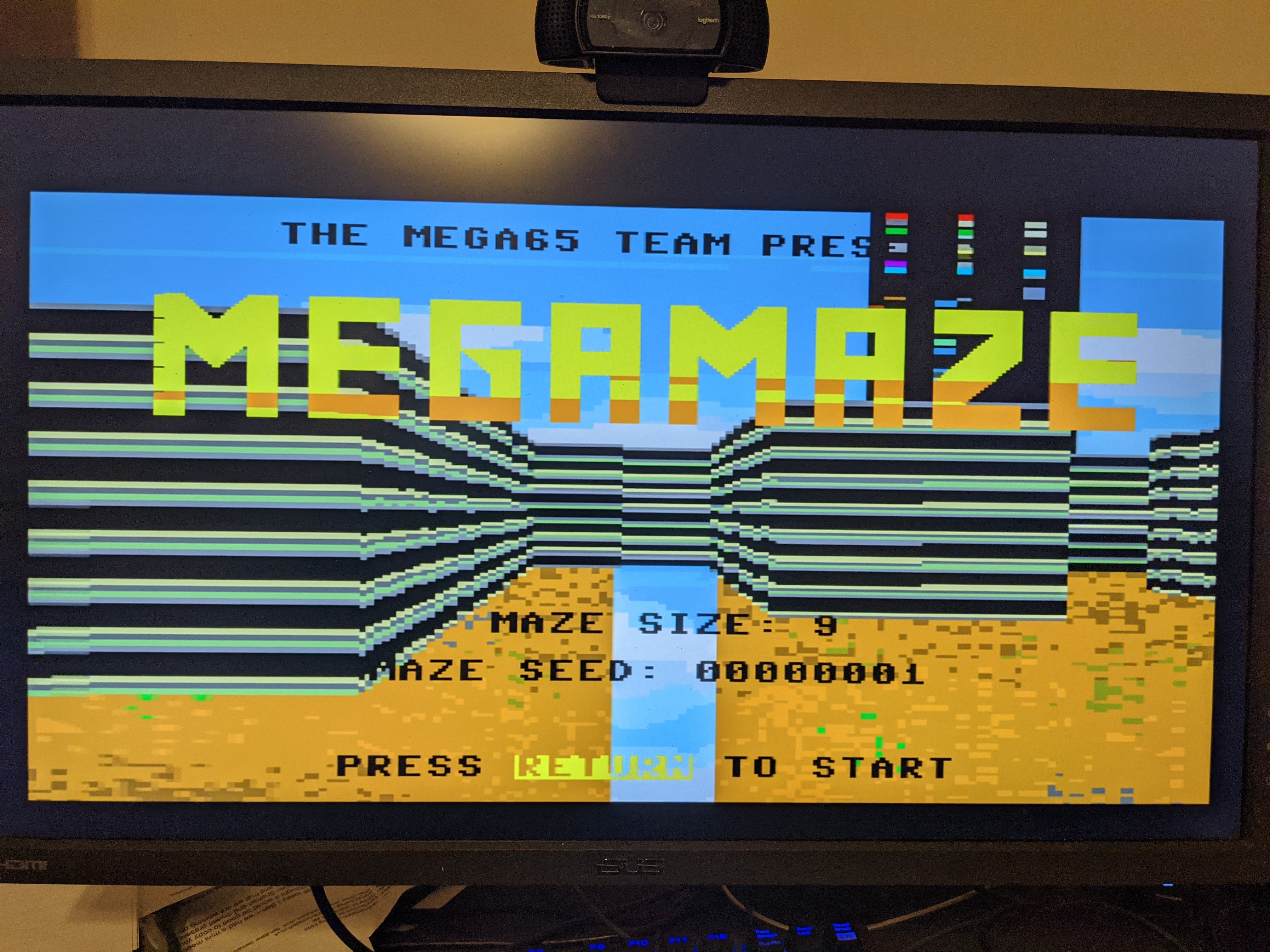
Now the only remaining issues are clearing and writing to flash from the MEGA65 configuration and having support for PSRAM again so things ike the MEGAMAZE demo have enough extended RAM for textures.