It looks like the framebuffer data in Mojave is no longer in nicely organized structs.
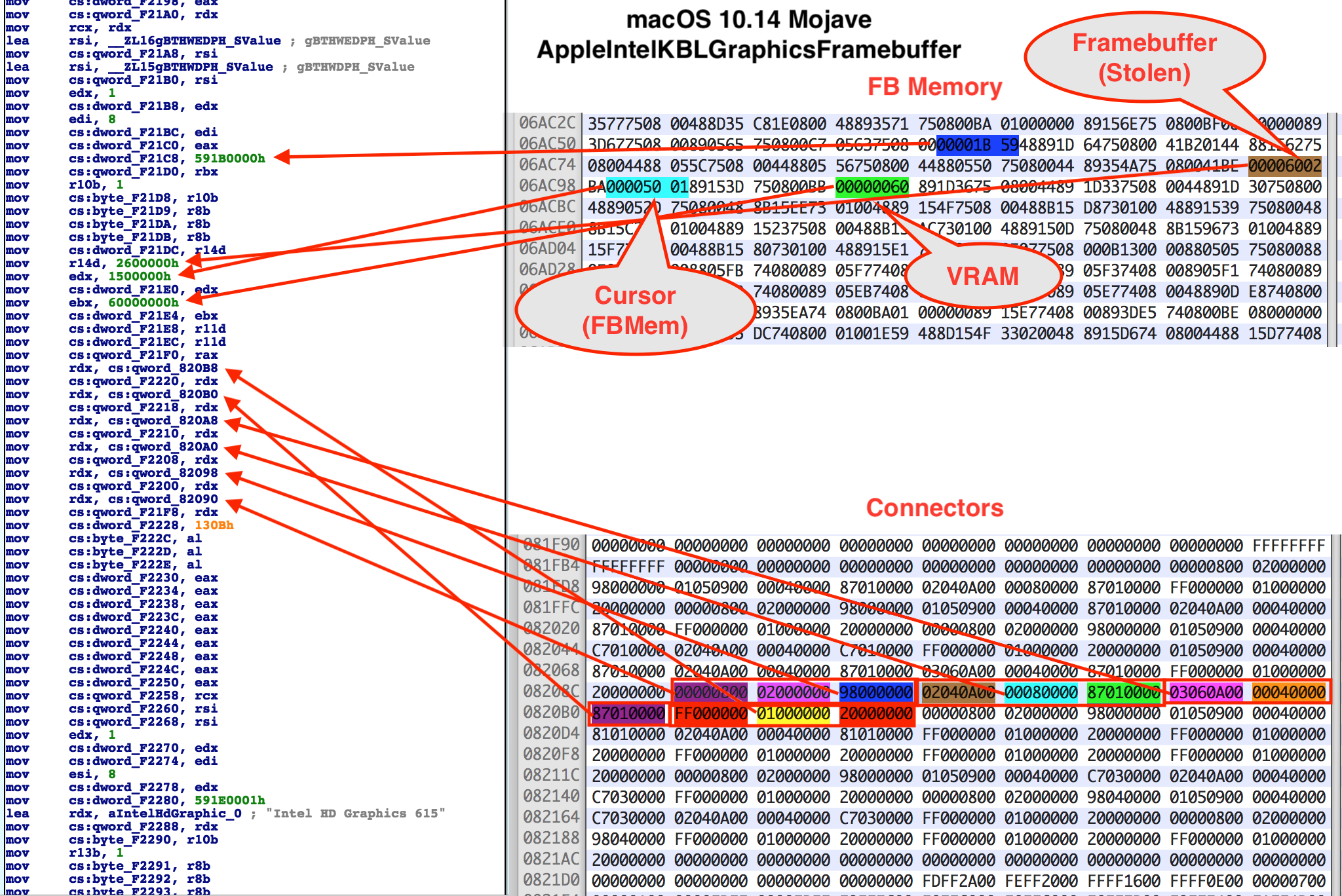

It looks like the framebuffer data in Mojave is no longer in nicely organized structs.
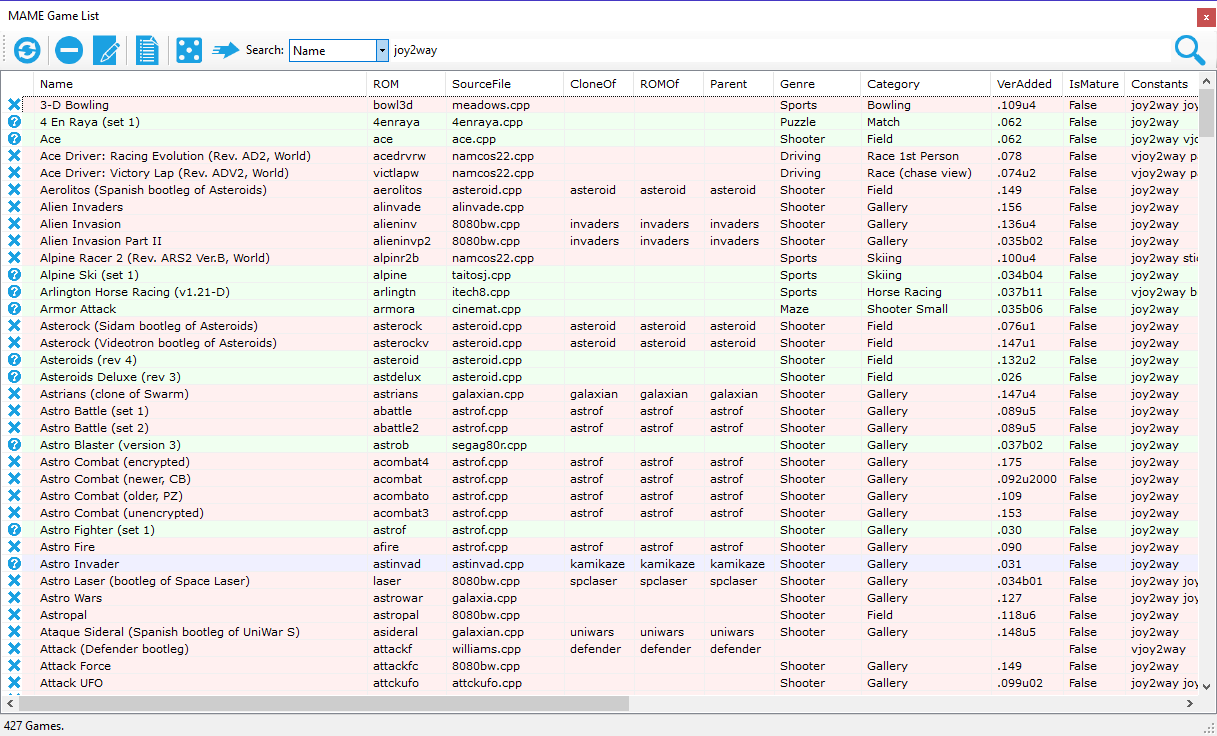
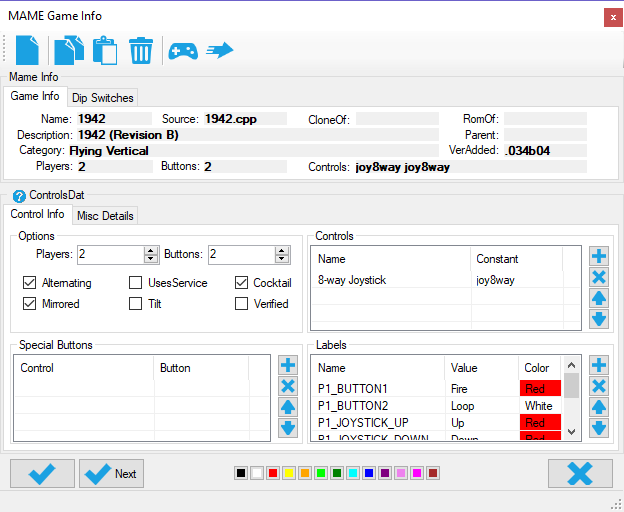
You will be able to edit your MAME game list based on many criterial such as controls, genre and category.
This is a beta feature but importation of your Steam games is there. Let us know what you think.
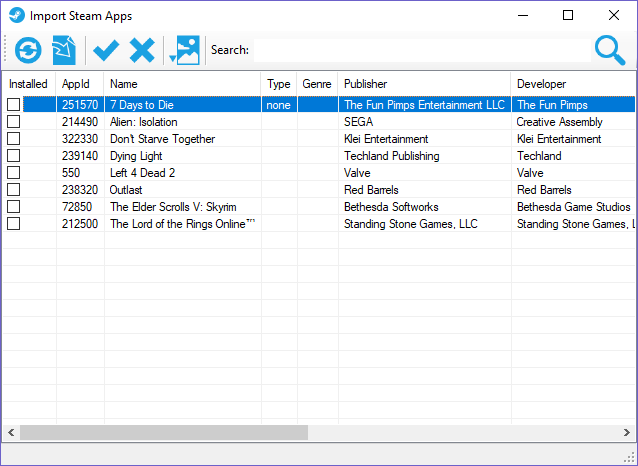
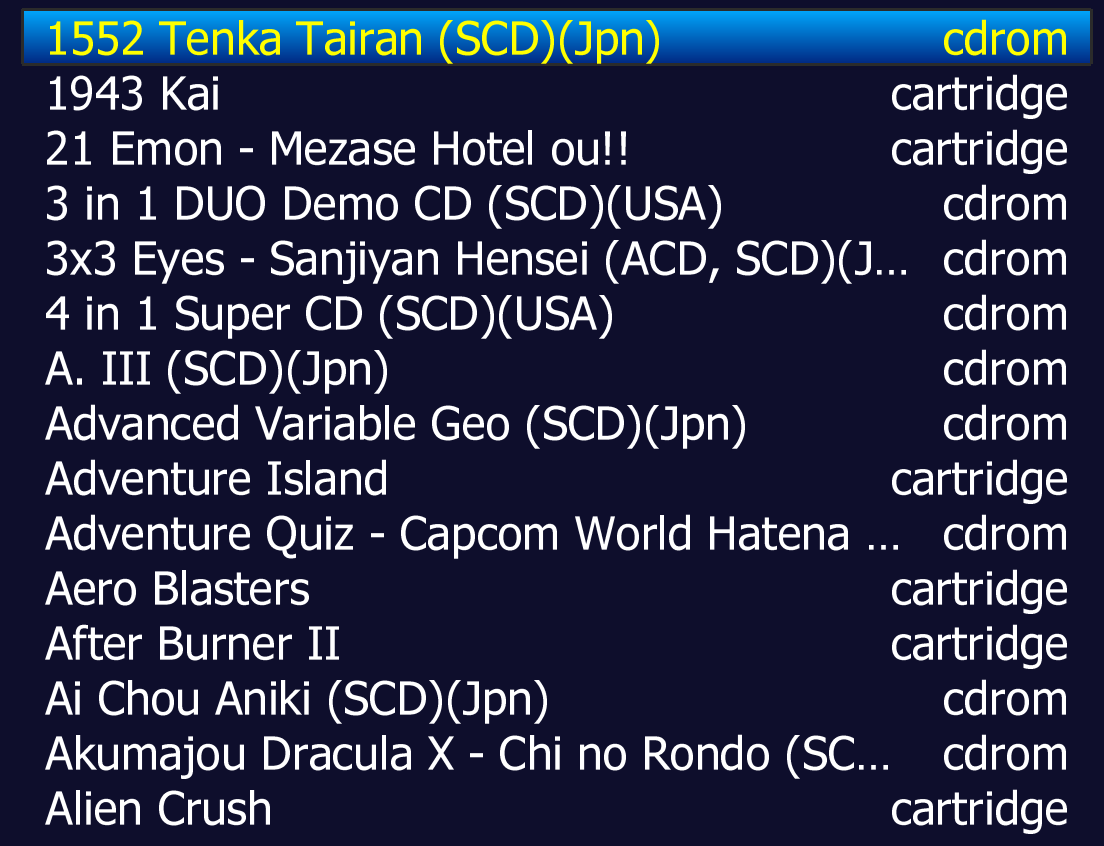
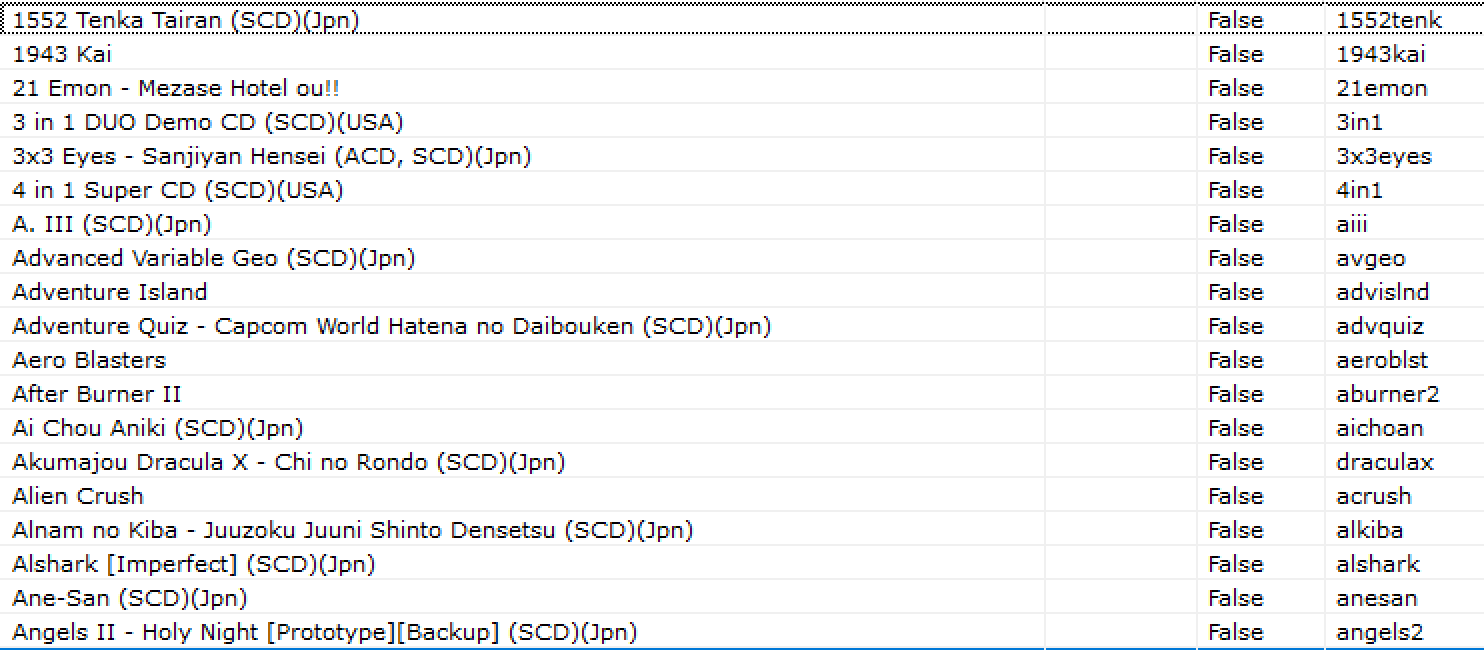
We have spent a lot of time on this feature. MAME SL (Software Lists) are easy to generate in GameEx Evolution.
I think there's been a huge missed opportunity for Nintendo over the years. Instead of making it easy for home brewers to write stuff for their hardware they do everything in their power to lock it down. I never could understand why Nintendo didn't embrace the home brew community. I understand the issues with piracy but if they made the hardware available for custom apps then perhaps there wouldn't be a need for hardware like the R4.
I actually really liked the GBA, since it's what got me started in the home brew scene, and then of course, the Nintendo DS. Writing Warhawk DS in 100% ARM ASM with Flash (with graphics by Lobo and music by SpaceFractal) was some of the most fun I've ever had and my first major collaboration. I think schools should be teaching kids ASM using the Nintendo DS. It is such a great way to learn low level programming and assembly. NDS is the last hardware, I believe, to support the 2D sprite system (based in part on the NES hardware), and in addition introduced basic 3D hardware. With Warhawk DS we used the 2D hardware while smealum's impressive Arsenal DS used the 3D hardware. I think later Nintendo hardware removed the 2D system which is a great shame as it's such a great way to learn game programming.
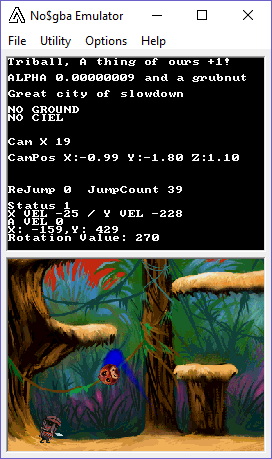
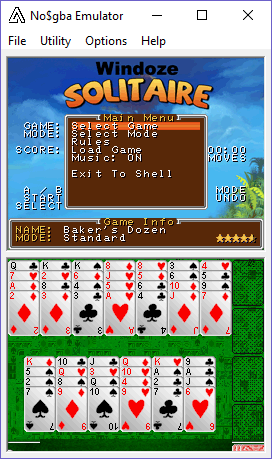
Incidentally we did get a chance to play with the NDS's 3D hardware when we started playing with Jungool (originally called Triball). Unfortunately though with the limitations of the hardware it didn't fit well with that sort of game (Box2D physics / large painted backgrounds rather than tiles). But not only did we use the NDS for an early prototype of Jungool we also started an early version of Windoze Solitaire on it. Both of these games ended up being ported and released to Apple's iOS.
Over the years it has got to the point where I've given up on Nintendo and do not want to support them anymore. I don't like closed systems. I've also moved away from iOS to Android for the same reason. But as far as writing games both Flash and I have moved on from ASM / C++ to C# and Unity. That being said with hardware like the NEXT there are still opportunities to work on limited hardware. For me personally though I want to concentrate on cross-platform engines and not dedicate myself to any particular company or hardware.
I do understand the lure of the NDS and so I can't really knock it. It's just a shame that unlike most other platforms Nintendo doesn't seem to think budding developers are a valuable asset to have.
MAMEDev recently applied a patch of mine (thanks to Miodrag) to MAME 0180. It exposes render_target::view_name() so my showcp plugin can check the name of the view before toggling.
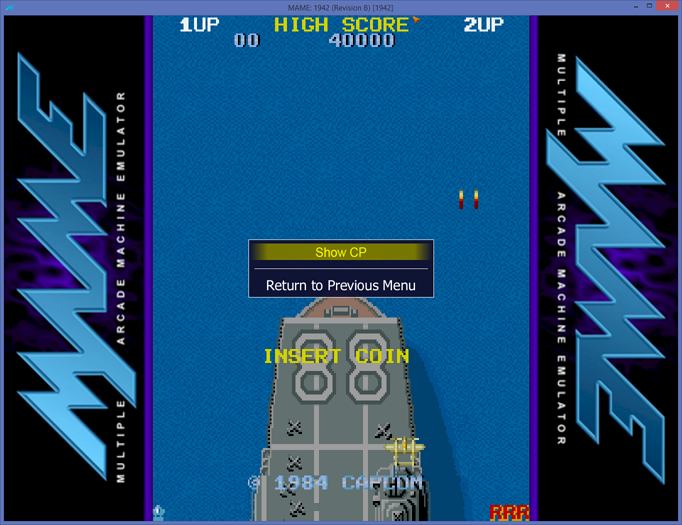
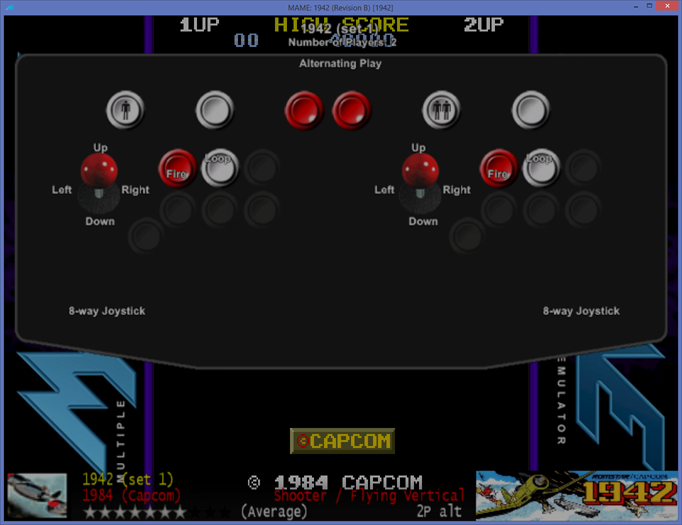
Here is the new script:
-- license:BSD-3-Clause
-- copyright-holders:Ben Baker
local exports = {}
exports.name = "showcp"
exports.version = "0.0.2"
exports.description = "ShowCP plugin"
exports.license = "The BSD 3-Clause License"
exports.author = { name = "Ben Baker" }

local showcp = exports

function showcp.startplugin()
    emu.register_pause(function()
        local target = manager:machine():render():targets()[0]

        if target:view_name(1) == "Show CP" then
            target.view = 1
        end
    end)

    emu.register_resume(function()
        local target = manager:machine():render():targets()[0]

        if target:view_name(1) == "Show CP" then
            target.view = 0
        end
    end)
end

return exports
You can see based on this 1942.lay file how the view name is referred in the xml:
<?xml version="1.0"?>
<mamelayout version="2">
  <element name="CP">
    <image file="CP.png" />
  </element>
  <element name="Bezel">
    <image file="Bezel.png" />
  </element>
  <view name="Hide CP">
    <screen index="0">
      <bounds left="140" top="0" right="500" bottom="480" />
    </screen>
    <bezel element="Bezel">
      <bounds left="0" top="0" right="640" bottom="480" />
    </bezel>
  </view>
  <view name="Show CP">
    <screen index="0">
      <bounds left="140" top="0" right="500" bottom="480" />
    </screen>
    <bezel element="Bezel">
      <bounds left="0" top="0" right="640" bottom="480" />
    </bezel>
    <bezel element="CP">
      <bounds left="0" top="0" right="640" bottom="480" />
    </bezel>
  </view>
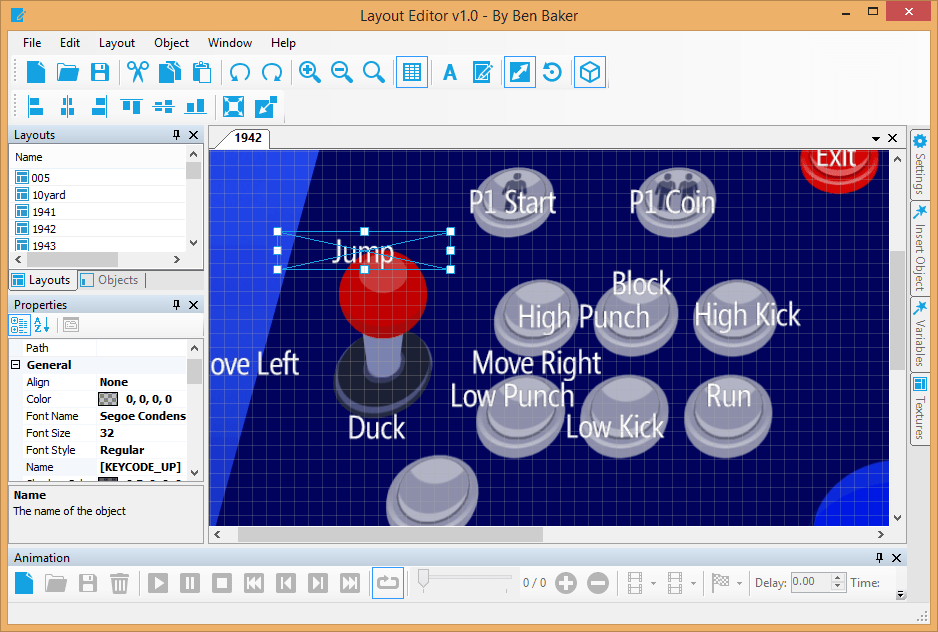
</mamelayout>The Layout Editor is an advanced tween and easing based animation and layout editor for GameEx Evolution.
We have resumed our work on the Apple Mac version of Windoze Solitaire. All is coming up roses and we will post some screenshots soon. We certainly have some treats in store.
The iOS version of Windoze Solitaire will be updated during or just after the launch of the Mac version (all going well).
We at Headsoft would like to wish all our customers a happy Christmas and a prosperous new year.
As a little gift, here is a way to obtain a secret award in Windoze Solitaire. If you can pry yourself away from the festivities on Christmas Day, play a quick round of solitaire. 😀

MAME Compiler 64 v2.0 Released