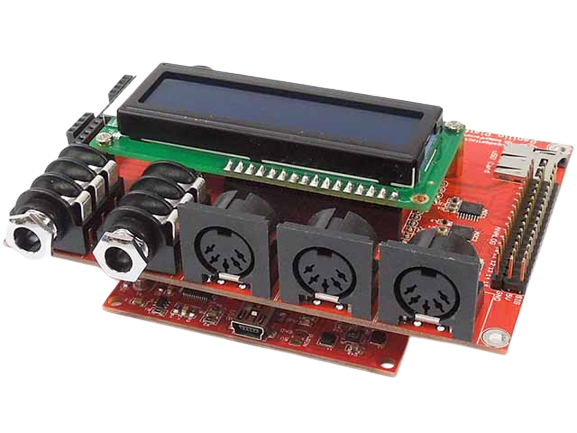
This little beauty arrived today!
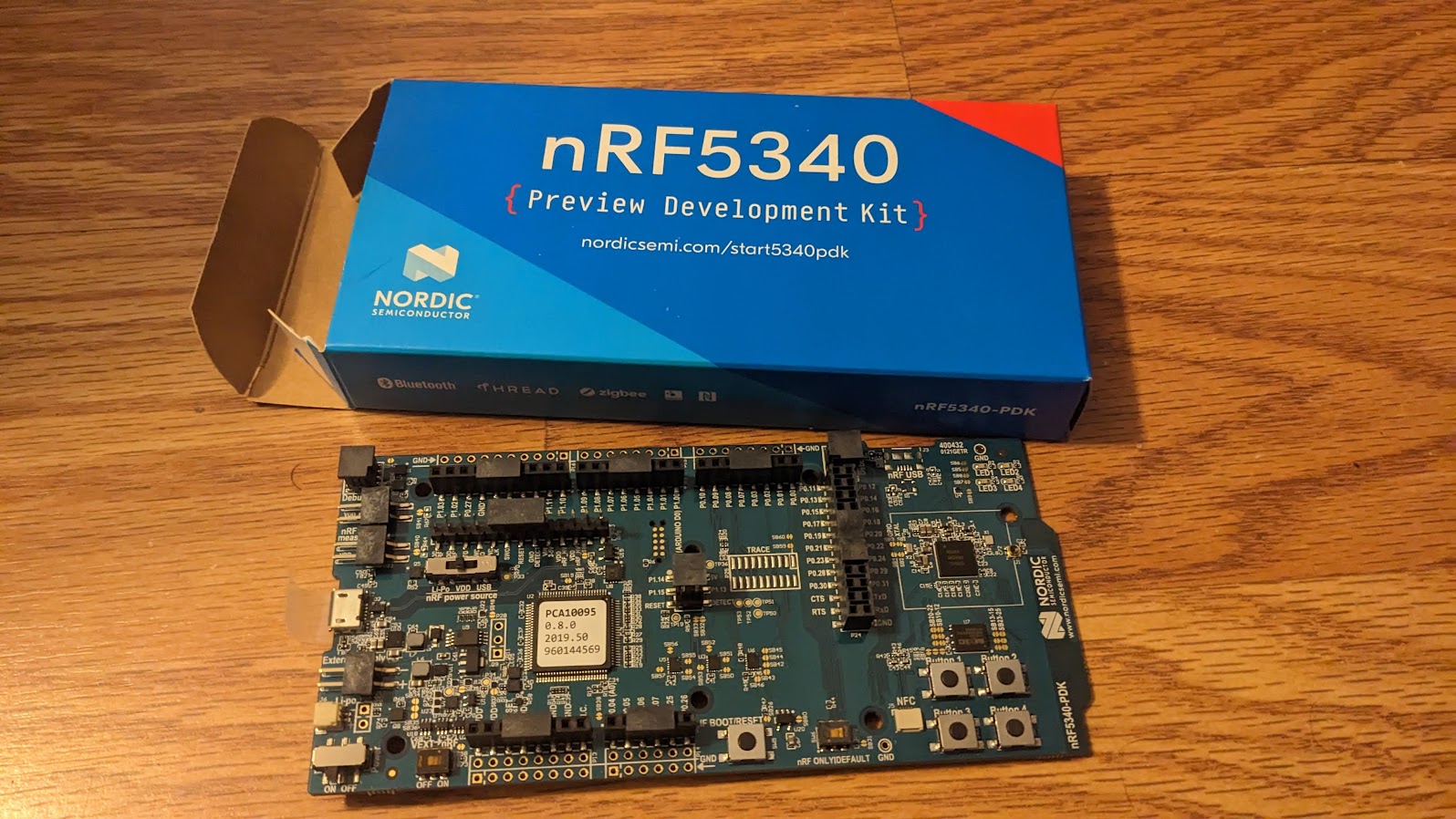

This little beauty arrived today!
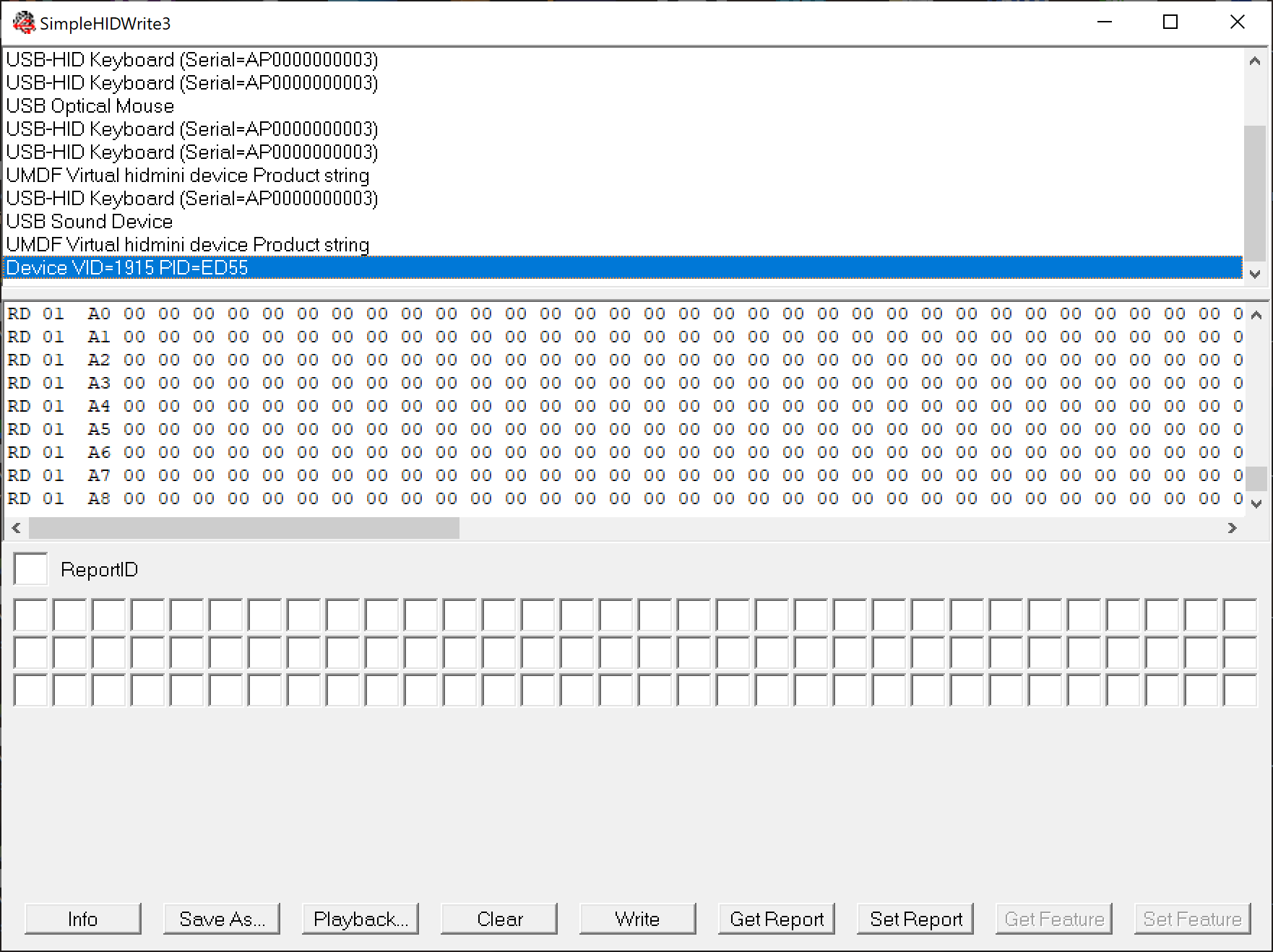
I ended up finding the source code to this utility and have made several updates:
You can download my updated version and source code from:
SimpleHIDWrite3.zip
HIDKomponente.zip
Thanks to the original author of this tool.
EDIT: Source code is now available on GitHub here
I made some updates to the NetSID project. You can download the full ISE project from https://baker76.com/download/fpga/netsid.zip
There are now two ISE project files NetSID_pipistrello.xise and NetSID_papilio.xise which have the appropriate ucf and clock files. These support the Pipistrello and Papilio FPGA development boards respectively.
Here is a list of the main changes:
Eg.
using COM15
listening on port 6581
connected
    sid count: 3
[0] model: 0
[0] position: 206
[1] model: 0
[1] position: 50
[2] model: 0
[2] position: 206
[0] resampling method: low quality
[0] clock source speed: PAL
[0] clock source speed: PAL
[0] clock source speed: PAL
    sid count: 3
[0] model: 0
[0] position: 206
[1] model: 0
[1] position: 50
[2] model: 0
[2] position: 206
[0] resampling method: low quality
[0] clock source speed: PAL
    FPGA requested pause, buffer full...
[2] 39346 Bytes/s, block size: 288
    FPGA requested pause, buffer full...
[0] 30406 Bytes/s, block size: 316
    FPGA requested pause, buffer full...
[2] 29653 Bytes/s, block size: 332
    FPGA requested pause, buffer full...
[2] 30620 Bytes/s, block size: 300
    FPGA requested pause, buffer full...
[0] 30347 Bytes/s, block size: 316
    FPGA requested pause, buffer full...
[1] 30633 Bytes/s, block size: 316
    FPGA requested pause, buffer full...
[2] 29623 Bytes/s, block size: 332
    FPGA requested pause, buffer full...
UPDATE: This project is now hosted on GitHub here
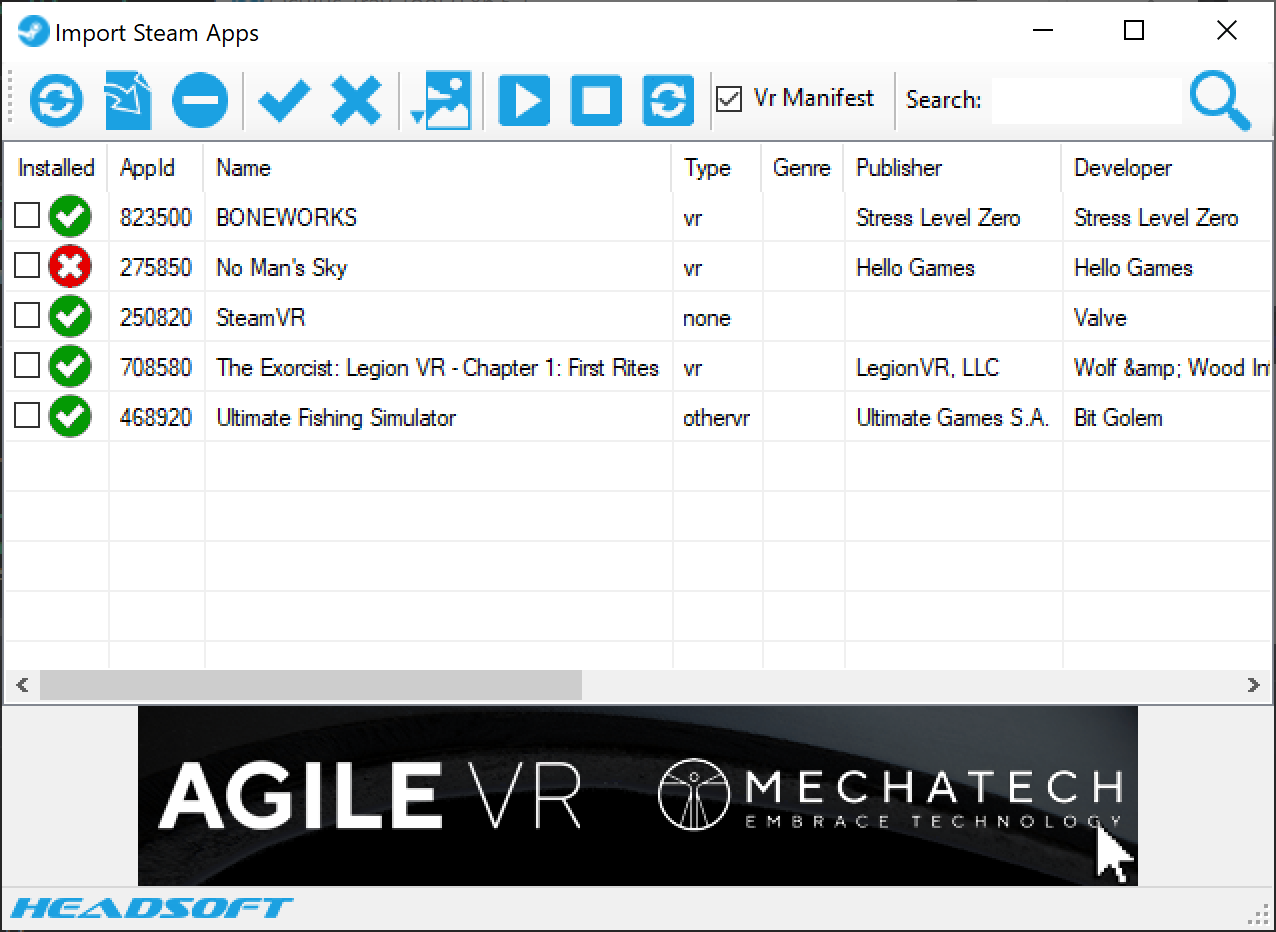
Check out the Oculus Tray Tool written by ApollyonVR. I wrote the Import Steam Apps feature.
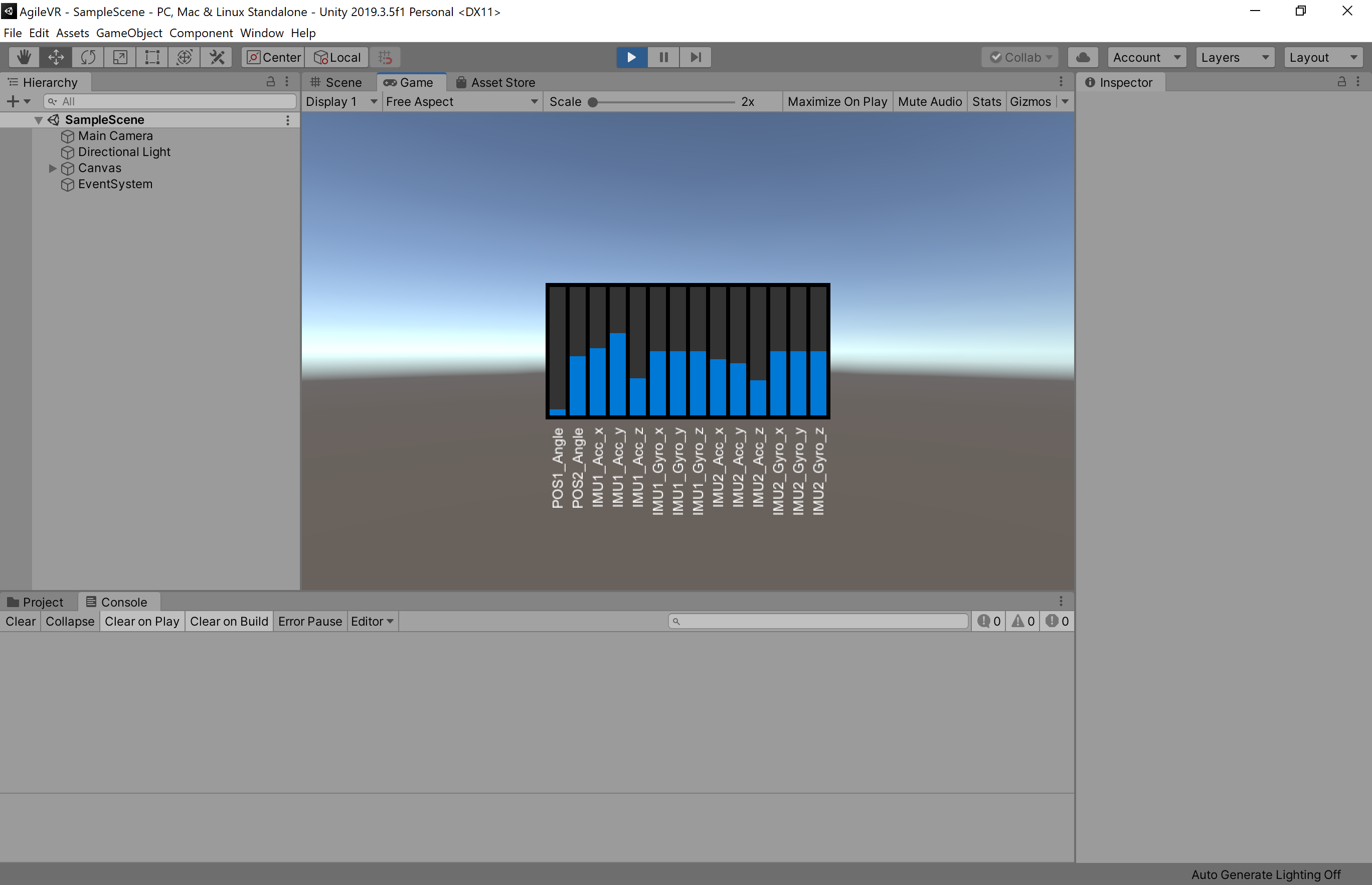
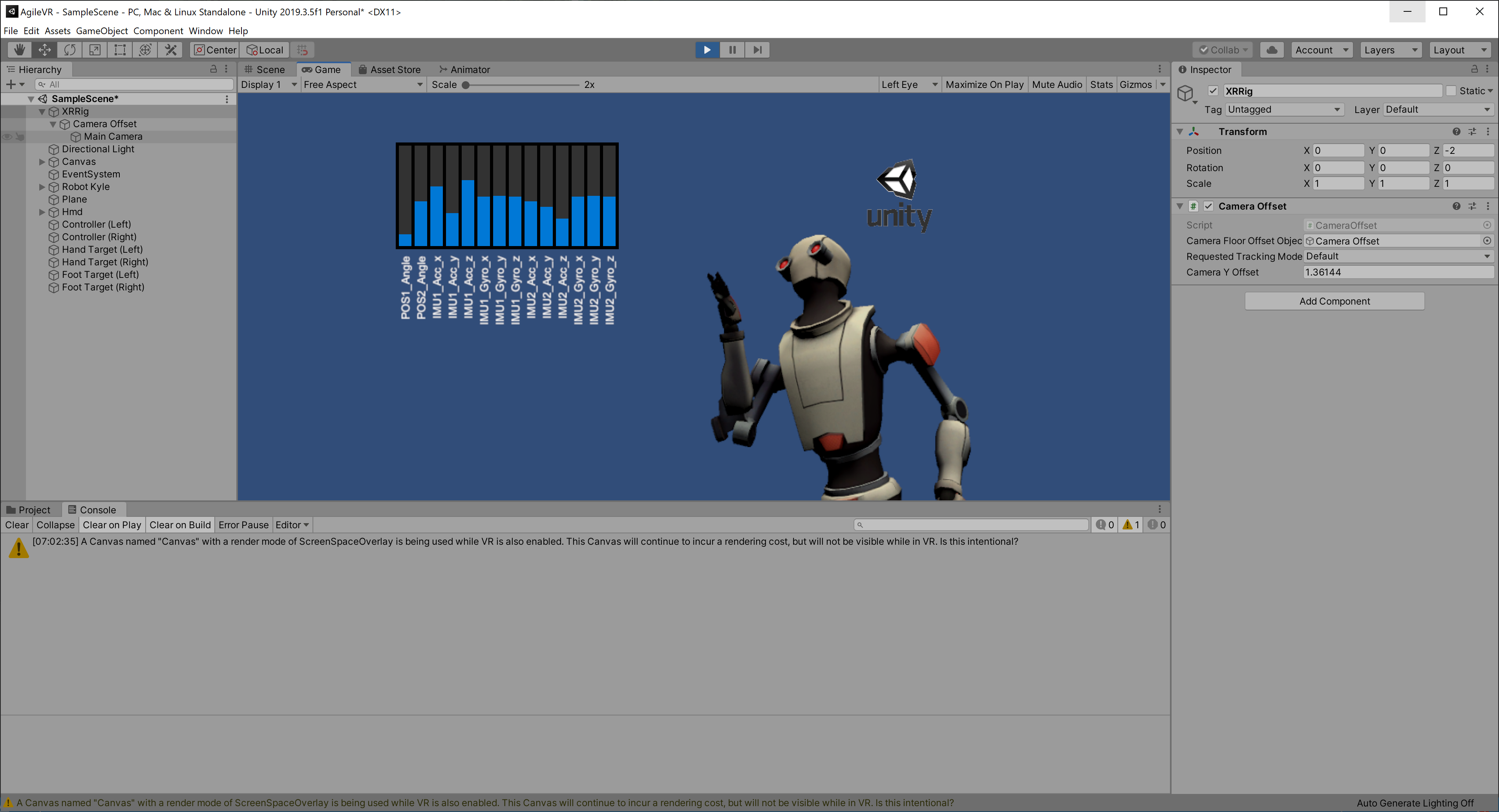
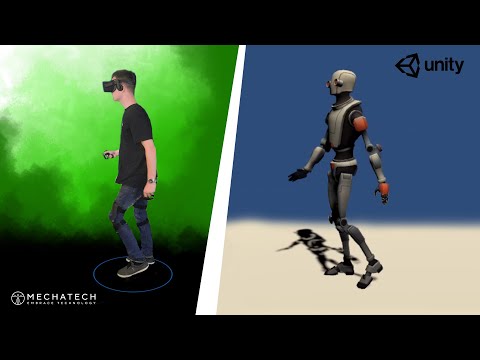
We really enjoyed developing the full body tracking software for the AgileVR! It's even more fun to see it in full action! You look great Jack!
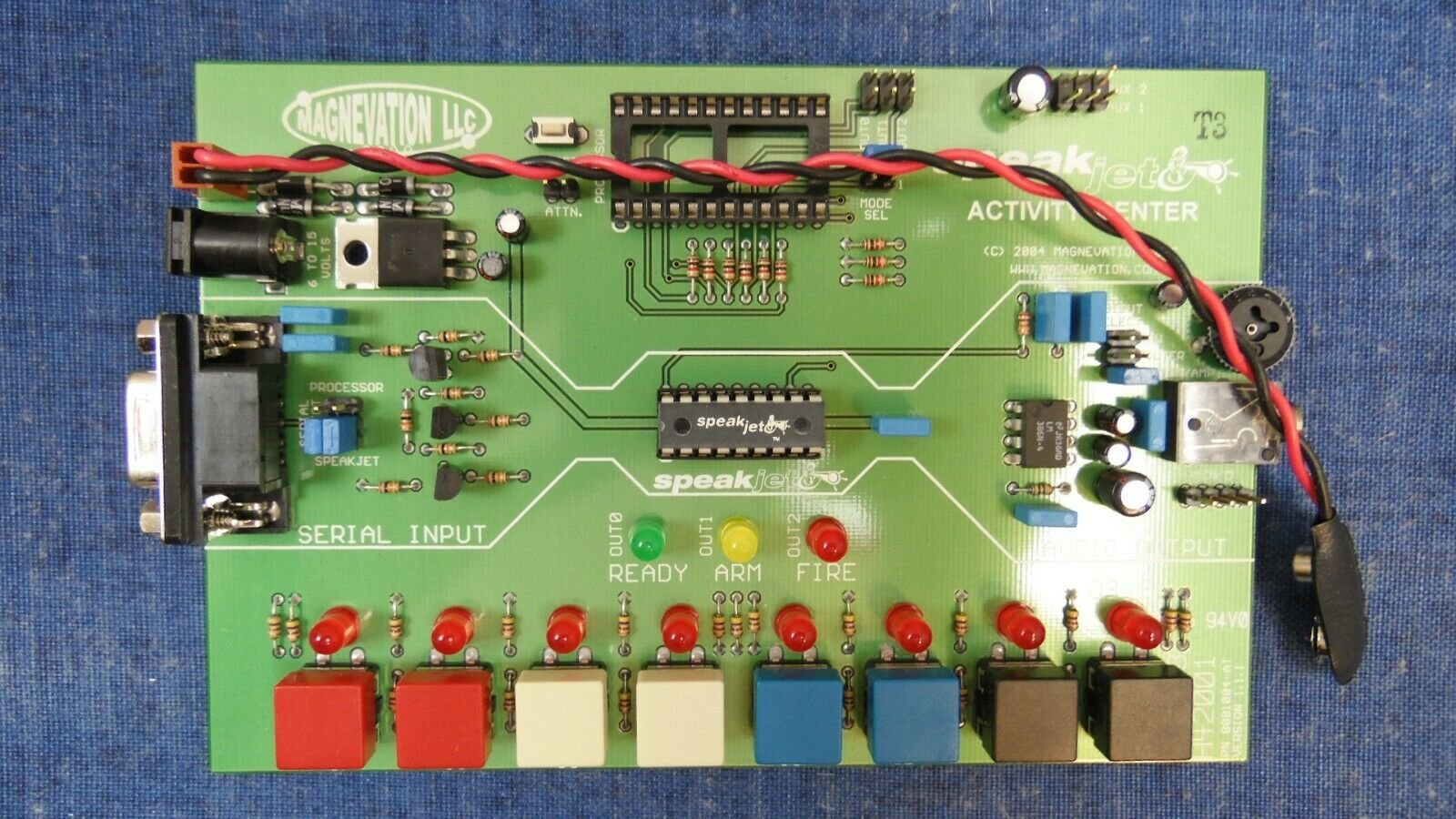
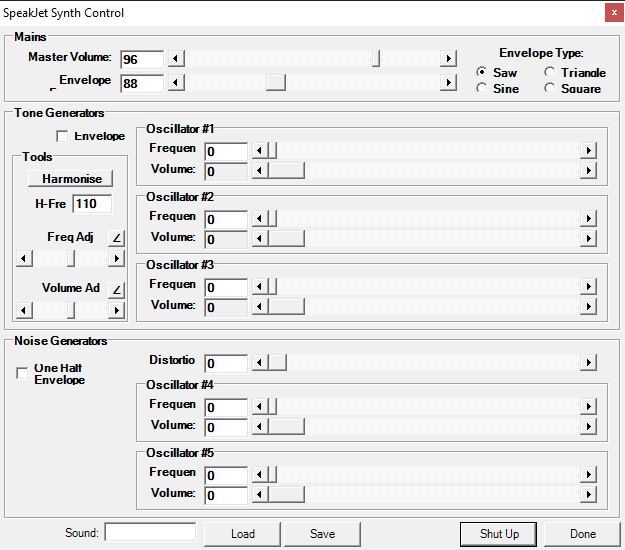
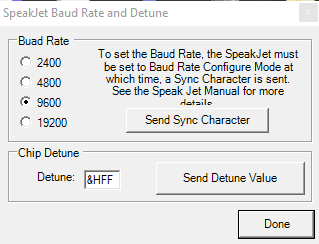
I scored one of these on eBay for $20 and have been playing around a bit and discovered it's the same chip used in the AtariVox+ Speech Synthesizer.
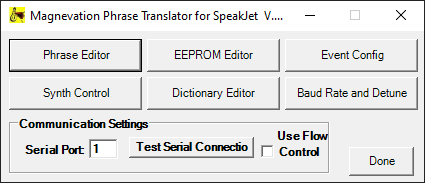
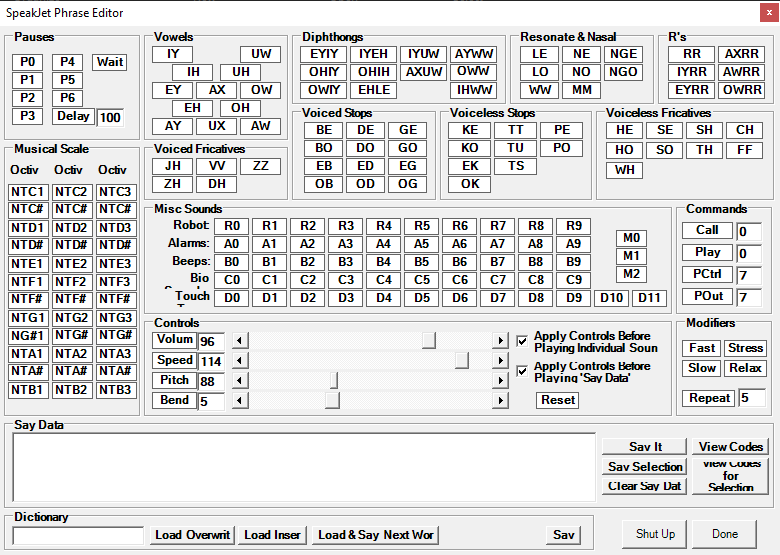
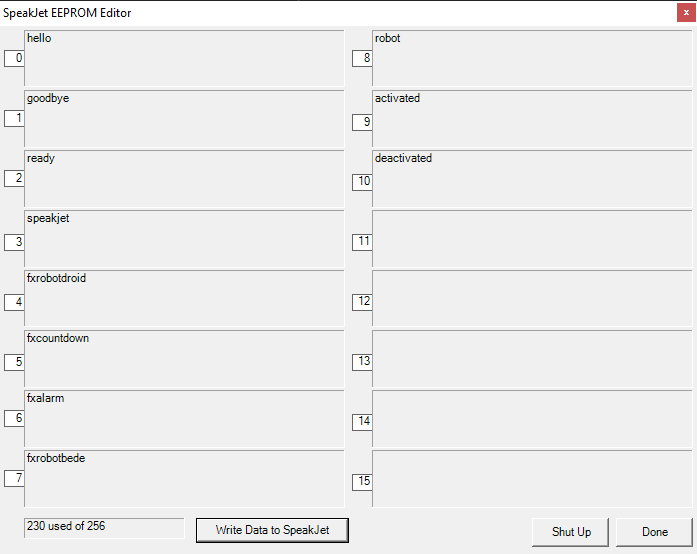
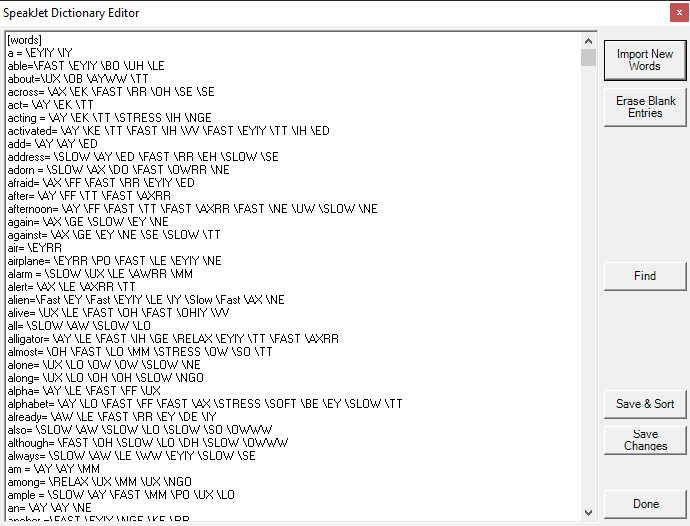
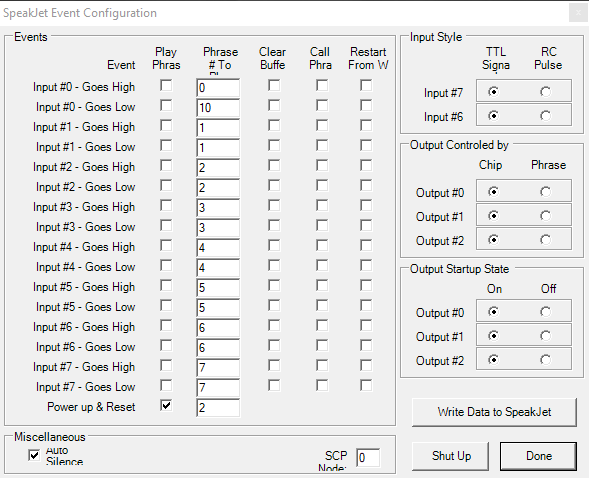
I decided to port the PhraseALator application to C#. Part of the process was to change from Mscomm32.ocx to .NET's SerialPort class in the System.IO.Ports namespace.
I made a C# source to PhraseALator available on Github here.
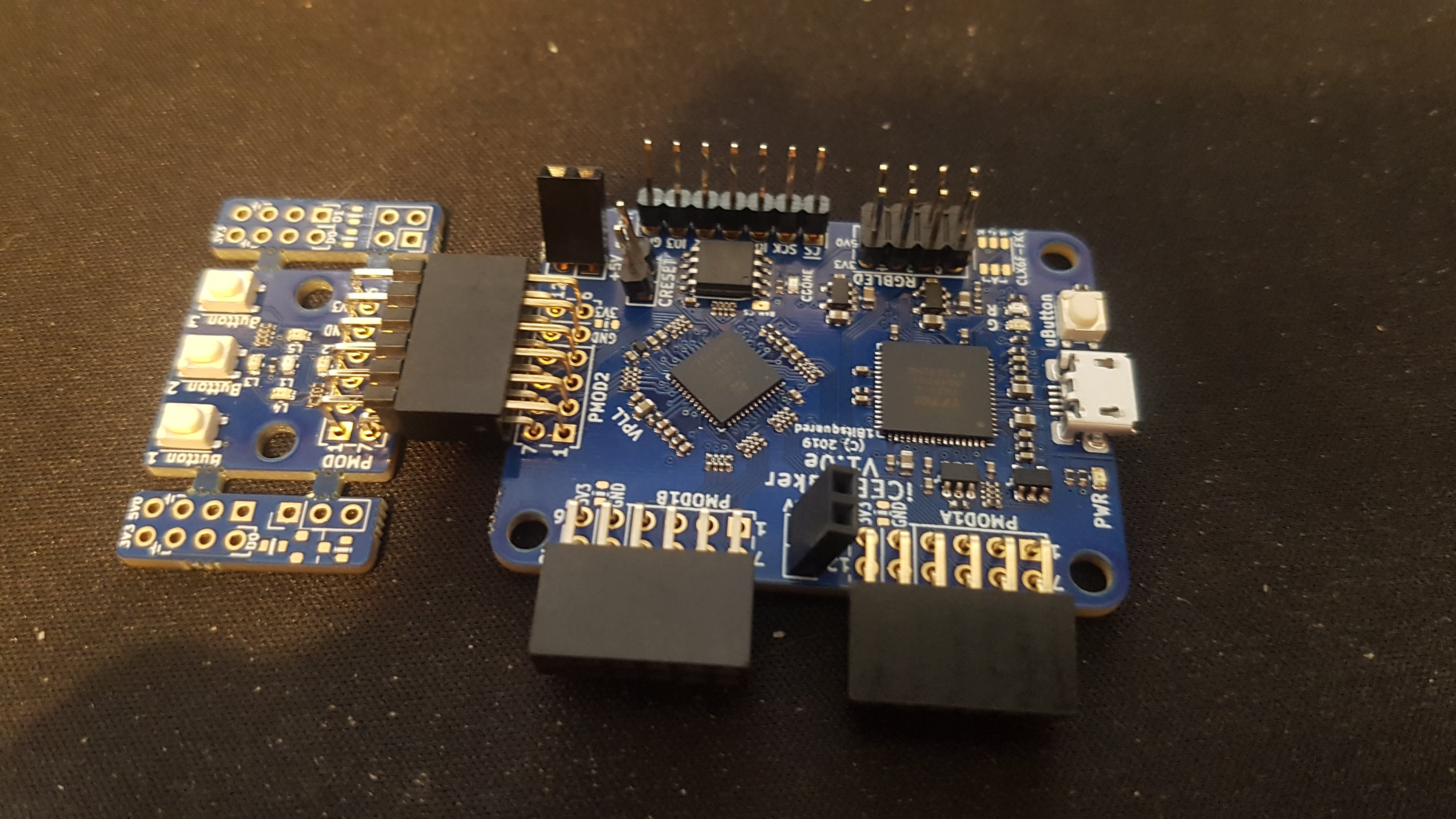
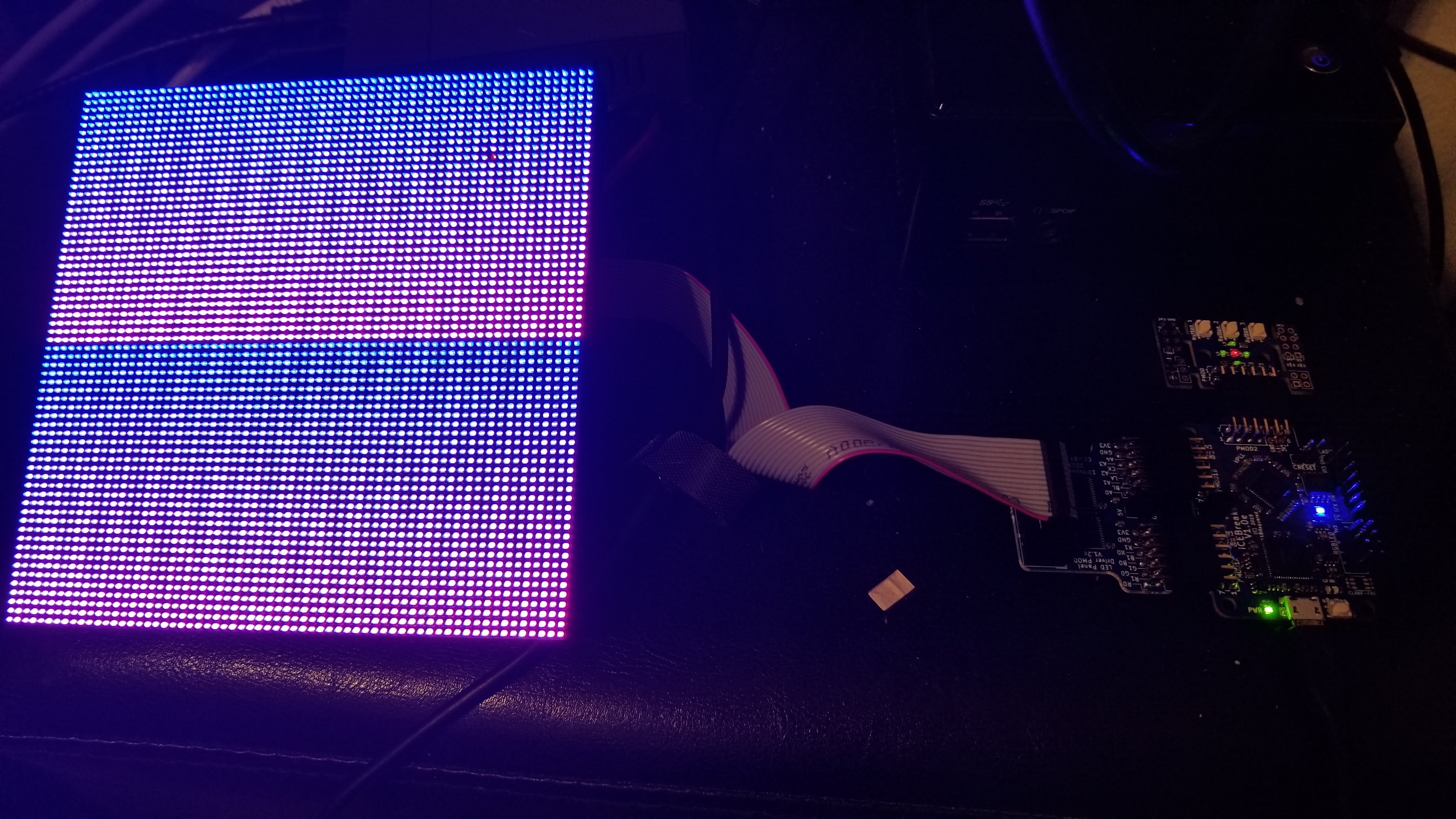
I'm playing around with my iCEBreaker FPGA today. Got output to an RGB Matrix using the LED panel driver Pmod.
I have a project in which I want to create a console in FPGA and was disappointed to find the Papillo project was pretty much dead and did not support the Xliinx 7 series. I found the Bonfire RISC-V (RV32IM) processor and decided this would be a great replacement for the ZPUino.
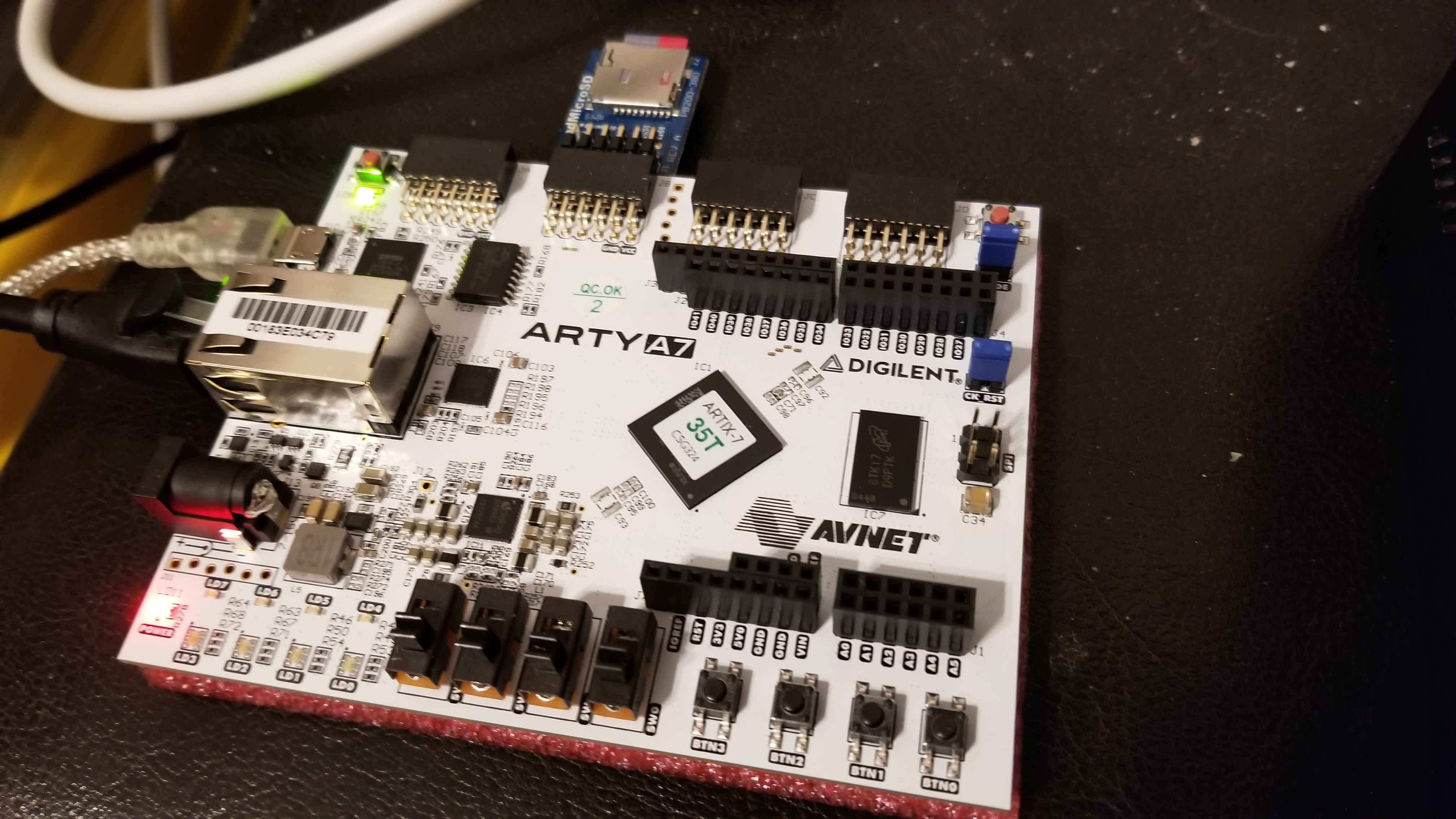
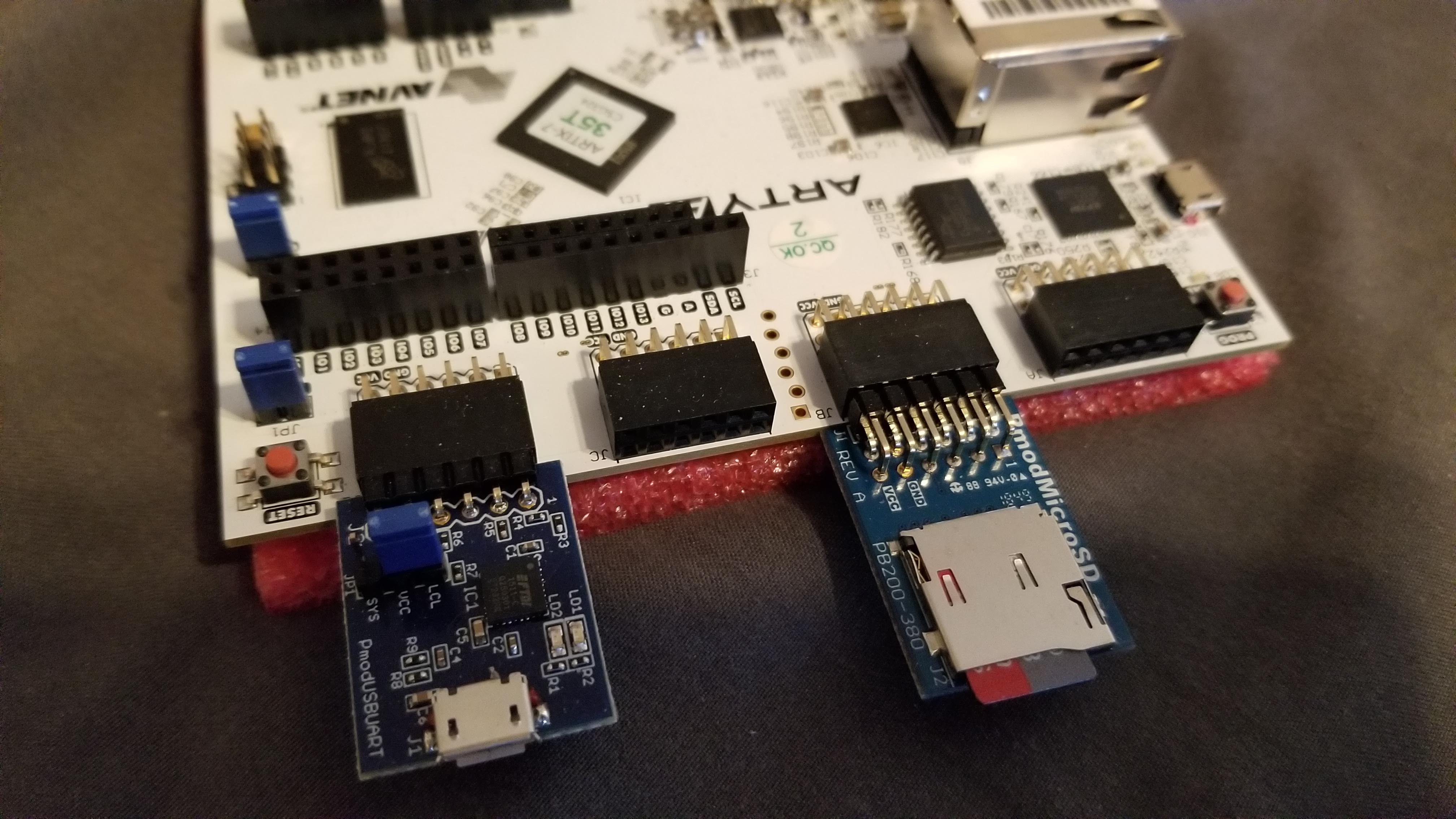
I recently purchased an Arty A7-35T board so I can run the Bonfire processor. I plugged in a Micro SD and USBUART Pmod. The Micro SD slot is for storing and running Lua applications and the USBUART Pmod is for debugging (more on that in another post).
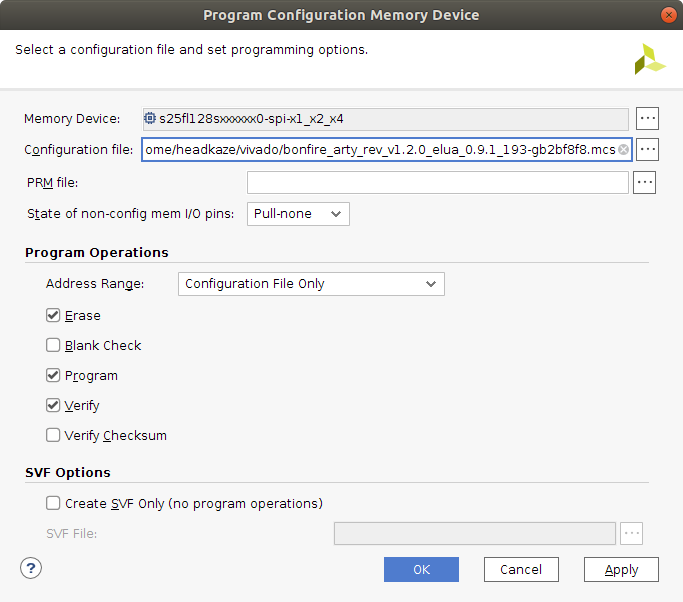
I successfully flashed the bonfire_arty_rev_v1.2.0_elua_0.9.1_193-gb2bf8f8.mcs image.
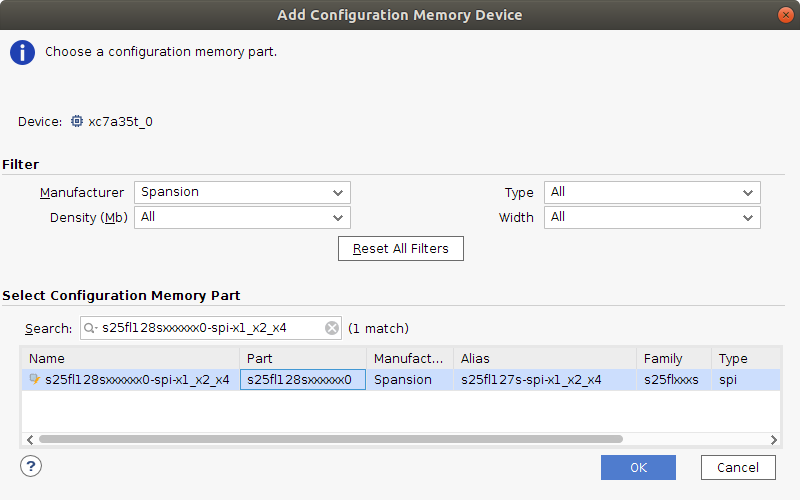
The first issue I came across is the Configuration Memory Device is different on my board. Mine has a Spansion s25fl128sxxxxxx0-spi-x1_x2_x4 not a Micron mt25ql128-spi-x1_x2_x4.
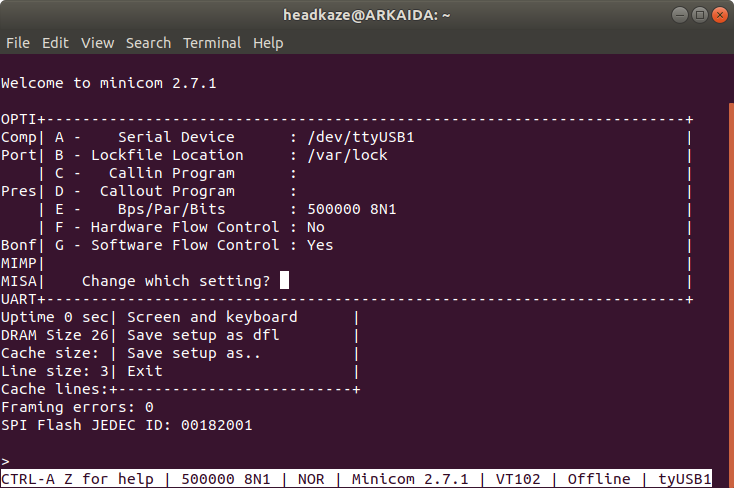
The second issue I had was using minicom. I could not get any response from the board until I did the following:
So now I have successfully connected to my Arty running Bonfire processor! 😄
I ported the LHA Decompressor for Java library to a .NET library called LHA Decompressor.
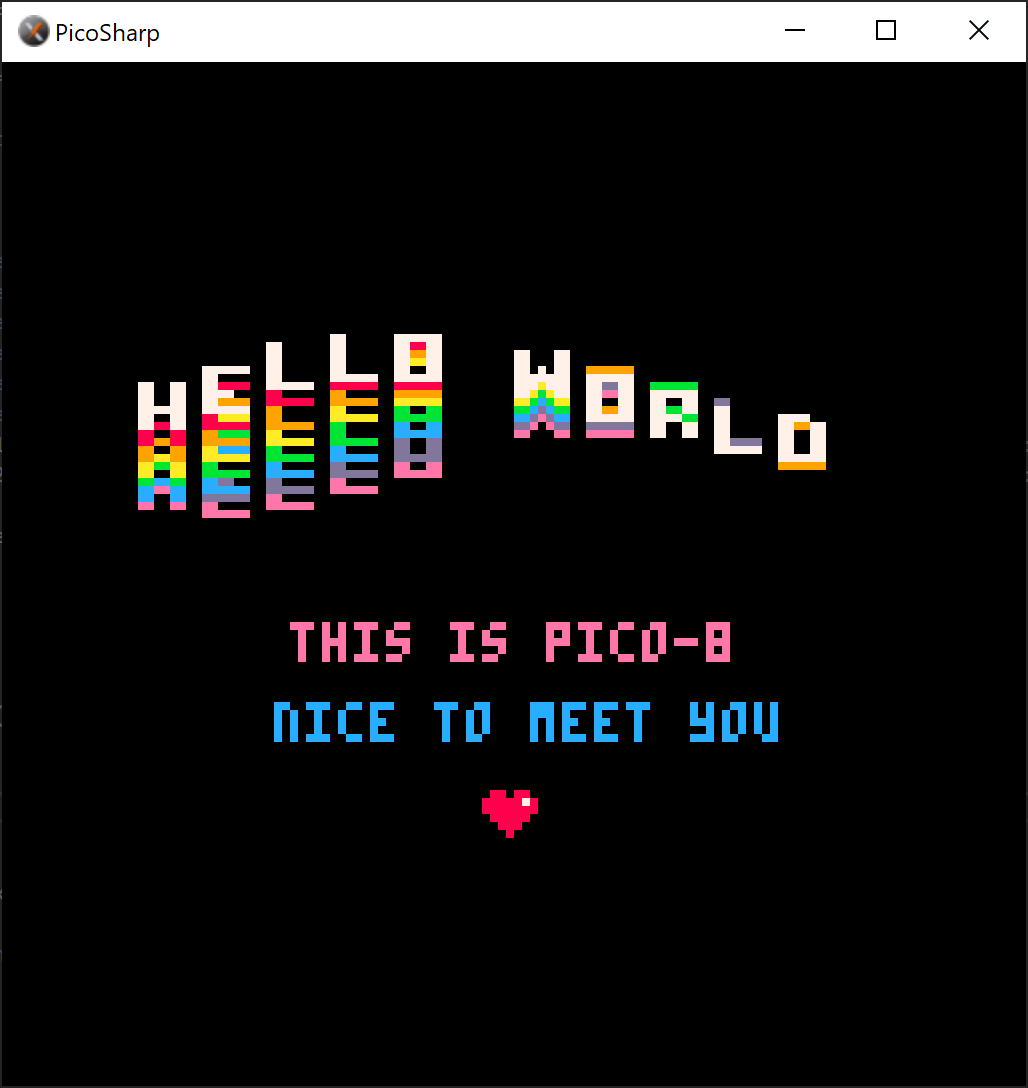
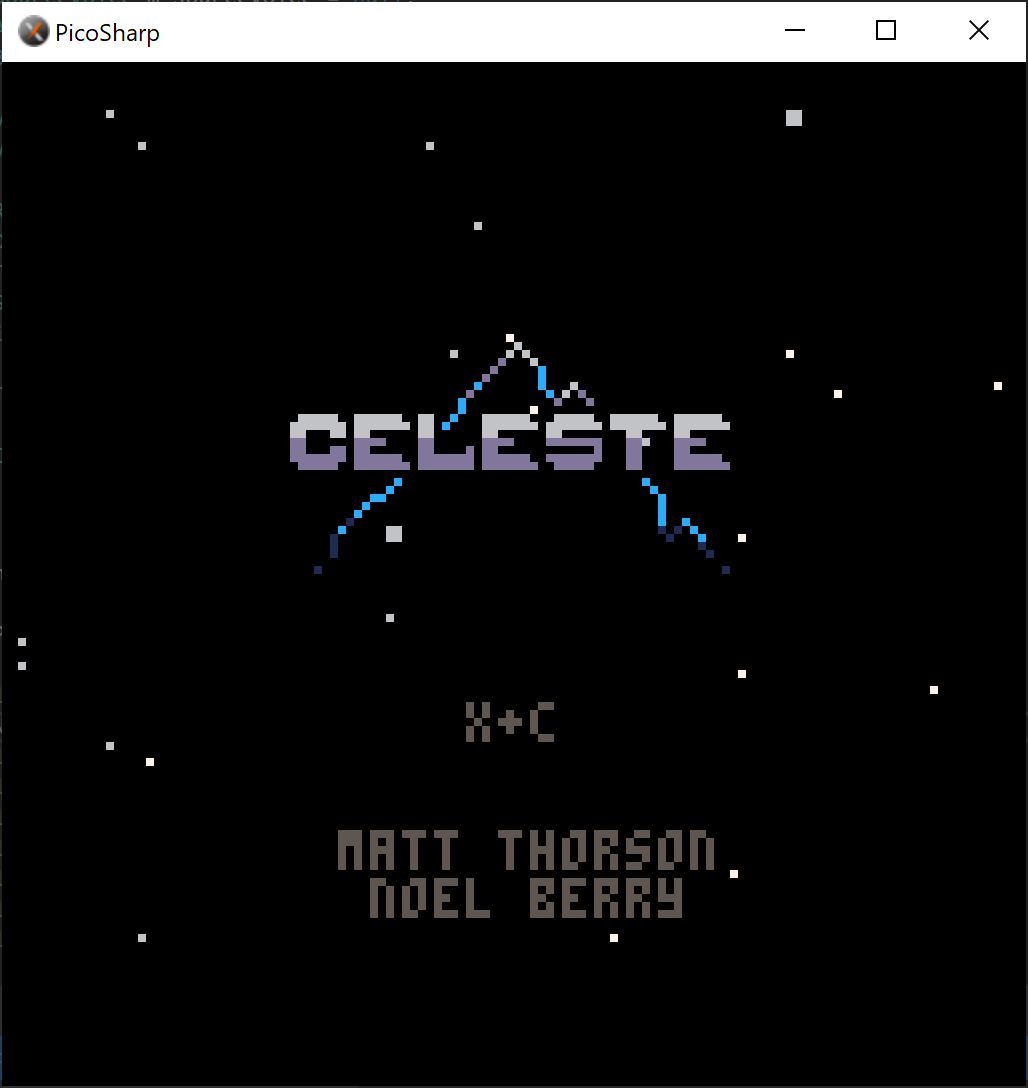
I'm working on a PICO-8 emulator written in C# called PicoSharp.